Auto Payment Debit - Automated Recurring Payments
Automatically process recurring payments and debit customer accounts on schedule. Streamline payment collection and improve cash flow with automated payment processing.
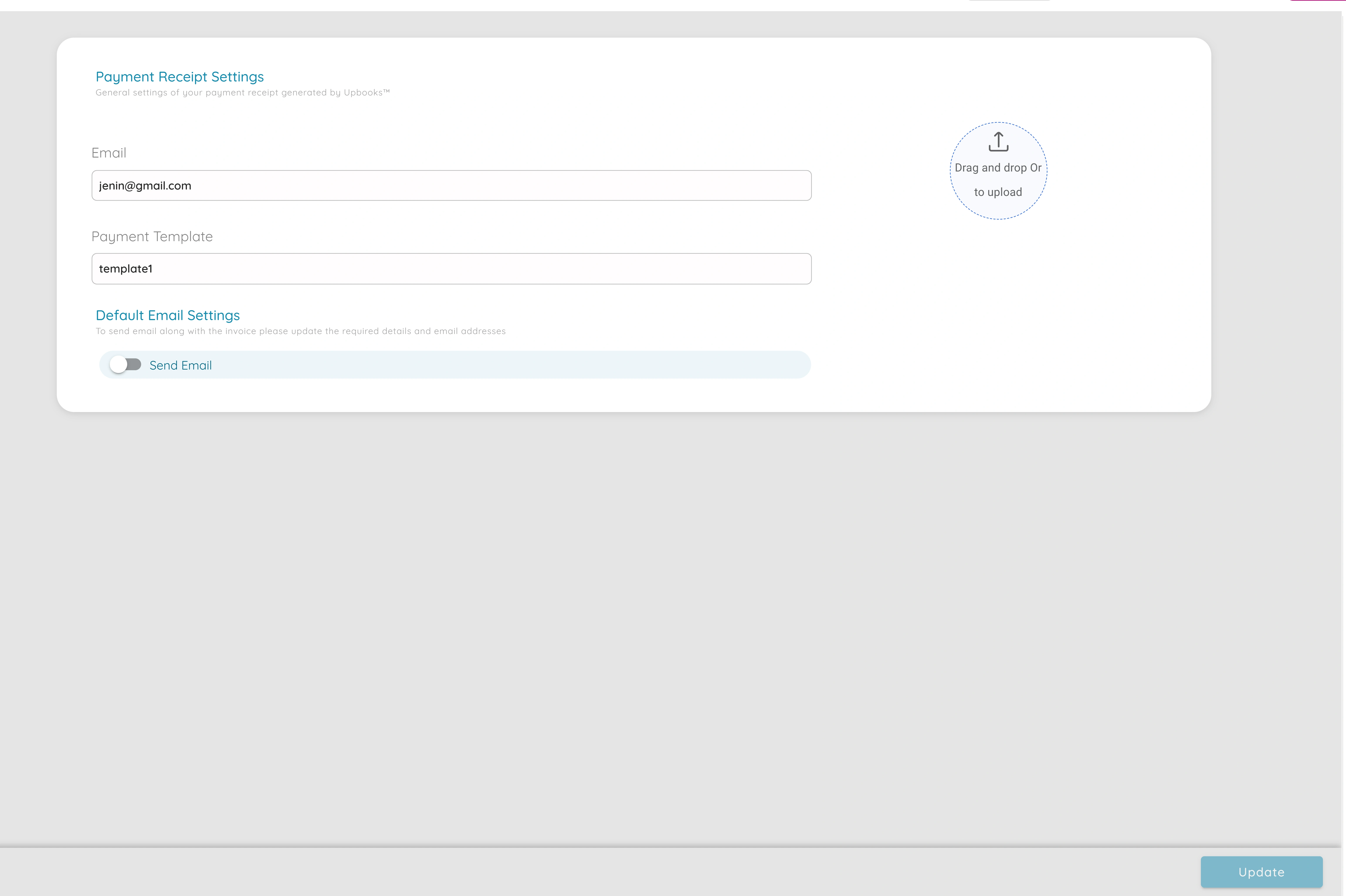
Auto Payment Debit
Improved Cash Flow
Automatically collect payments on schedule, ensuring consistent cash flow and reducing the need for manual payment follow-ups.
Time Savings
Eliminate manual payment processing and reduce administrative work. Automated debits handle recurring payments without intervention.
Reduced Payment Delays
Payments are processed automatically on schedule, reducing late payments and ensuring timely collection from customers.
Multiple Payment Accounts
Support multiple payment accounts and methods. Configure default payment accounts and settings for seamless processing.
Customer Convenience
Customers benefit from automatic payments - no need to remember due dates or manually process payments each time.
Payment Tracking
Track all automated payments in one place. Monitor payment status, schedules, and maintain complete payment history.
Powerful Payment Automation Features
Recurring Payments
Automatically process recurring payments on scheduled dates
Default Payment Settings
Configure default payment accounts and methods in organization settings
Multiple Payment Methods
Support for various payment methods including online gateways and bank transfers
Scheduled Debits
Set up automatic debits on specific dates or recurring schedules
Payment Notifications
Receive notifications when payments are processed or if issues occur
Payment History
Maintain complete records of all automated payments and transactions
Simple Setup, Automatic Processing
Configure Payment Settings
Set up default payment accounts and methods in organization settings. Configure payment preferences, accounts, and automation rules.
Set Up Recurring Payments
Create recurring payment schedules for customers. Set payment frequency, amounts, and dates. Link to invoices or subscriptions.
Automatic Processing
The system automatically processes payments on schedule. Customer accounts are debited, invoices are updated, and you receive notifications.
Flexible Payment Settings
Customize your payment debit settings to match your business needs. Configure default payment accounts, methods, and automation preferences.
Default Payment Accounts
Set up default payment accounts for automatic processing in organization settings
Payment Methods
Configure multiple payment methods including online gateways, bank transfers, and cards
Recurring Schedules
Set up recurring payment schedules - daily, weekly, monthly, or custom intervals
Payment Notifications
Receive alerts when payments are processed, successful, or if any issues occur
Ready to Automate Your Payments?
Start using auto payment debit to streamline recurring payments and improve cash flow. Get started with Upbooks today.