
Upbooks™ Expense Tracker
Simplify bills and expenses
Thank you for choosing the Upbooks™ Expense App to manage your expenses and vendors efficiently. This app guides you through onboarding, default categories, and key features.

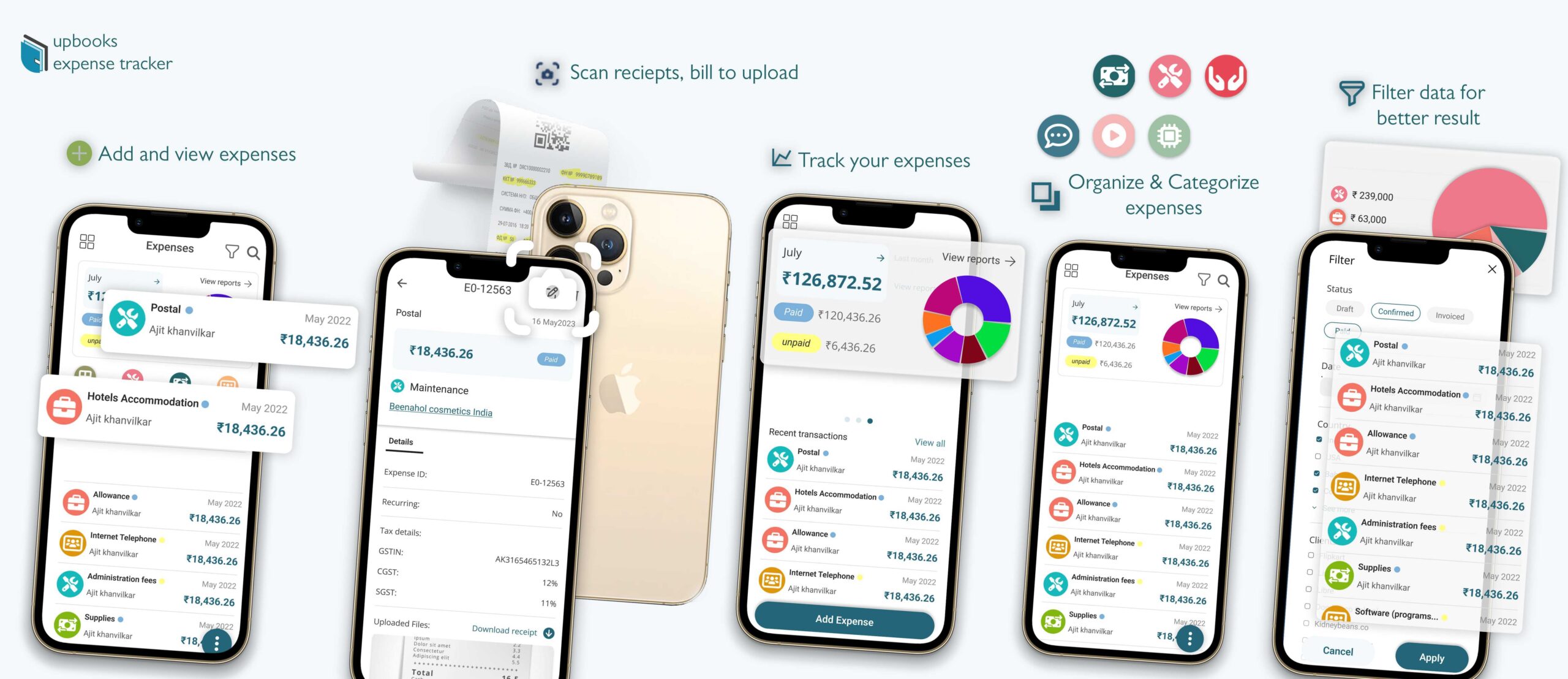
Welcome to Upbooks™ – Expense Tracker App!
Thank you for choosing the Upbooks™ Expense App to manage your expenses and vendors efficiently. This documentation will guide you through the onboarding process, default categories, and key features of the app.
Onboarding
The Upbooks™ Expense App provides two onboarding options:
- Individual Onboarding: Default expense categories like rent, fuel, etc., are pre-loaded to streamline personal expense tracking.
- Business Onboarding: Default categories such as meetings, bank charges, etc., are set up to cater to business-related expenses.
Additionally, you have the flexibility to add custom expense categories that suit your unique needs.
Expense Management
The app allows you to efficiently manage your expenses. Key features include:
Default Categories: Easily choose from a range of default expense categories based on your onboarding type.
Custom Categories: Add and manage custom expense categories for personalized expense tracking.
Sections for Monthly Overview: Navigate between “Last Month” and “This Month” on the home page to view and track expenses over time.
Expense Details: Log date, amount, category, and additional notes for each expense entry.
Manage Vendors: Handle vendor information and track transactions with “Manage Vendors” in the navigation menu.
Filter data for better results
Whether you're a business owner or individual user, our expense tracking app adapts to your requirements with filtering by financial months, date ranges, tax treatment, vendors, and clients.
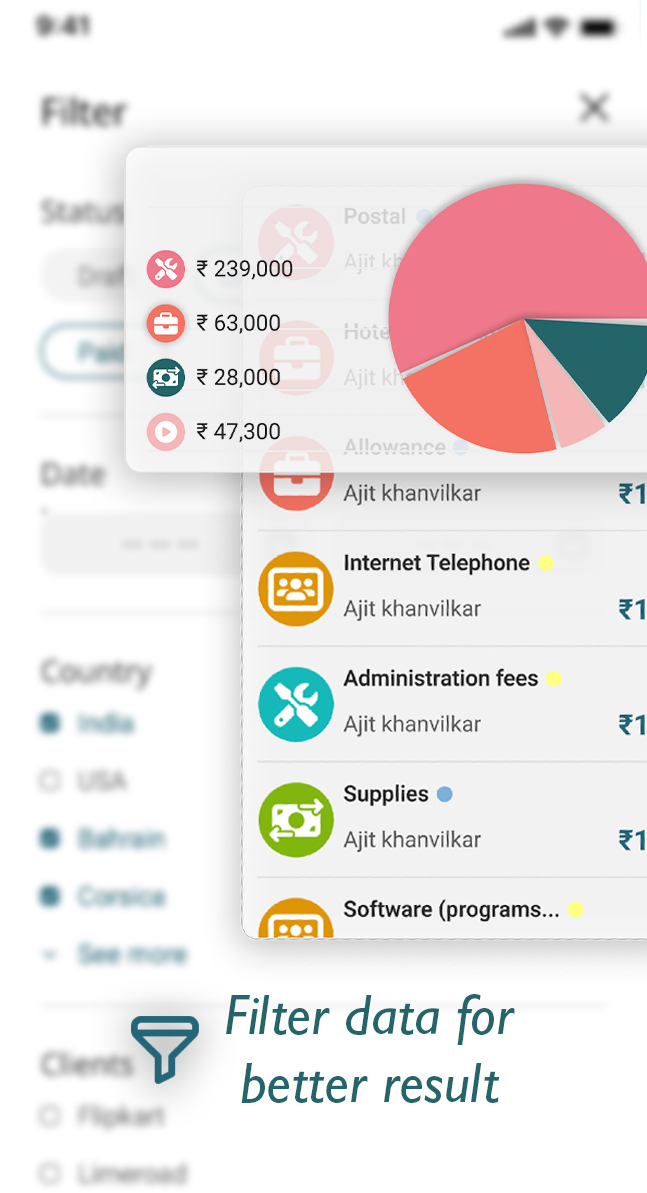
Customizable Filtering to streamline expense management according to your preferences.
Financial Month Filtering to track spending patterns over time.
Date Range Filtering to pinpoint expenditures within a specific timeframe.
Tax Treatment Filtering to differentiate taxable and non-taxable expenses.
Vendor Filtering to monitor transactions with specific suppliers.
Client Filtering for project-related expenses and invoicing.
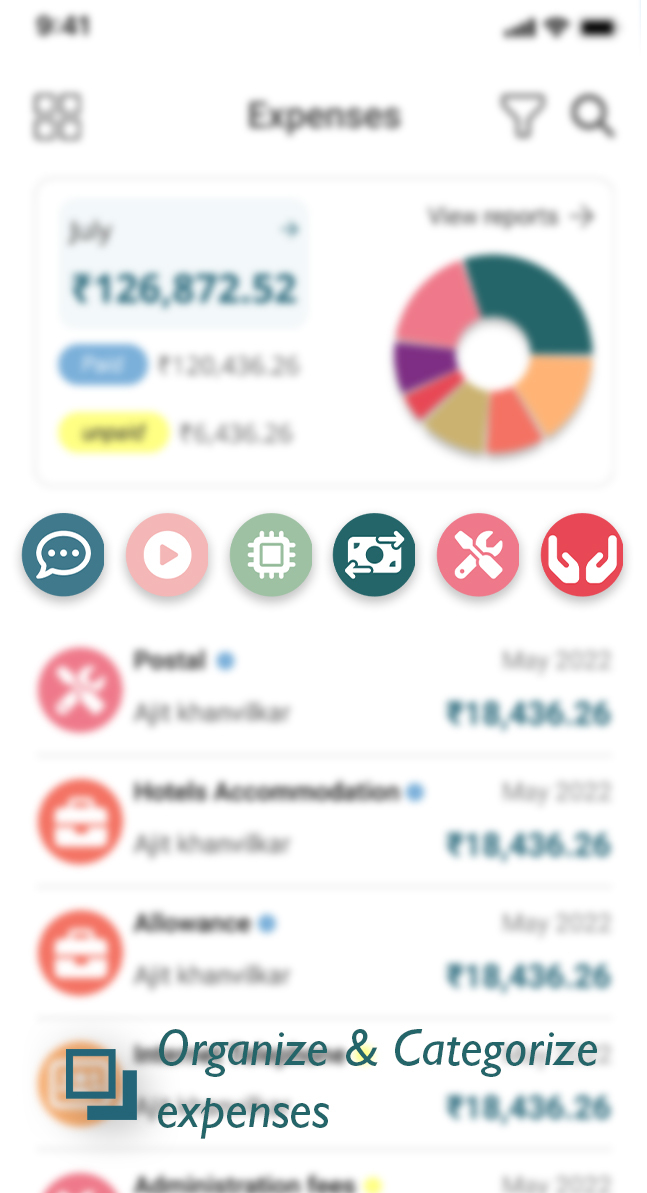
Organize & categorize expenses
Powerful tools to manage and categorize expenses, enhancing financial organization and control.
Monthly Expense View: Navigate through months via the horizontal list for a comprehensive overview.
Interactive Graph: Dynamic circle graph showing paid and unpaid expenses at a glance.
Total Paid and Unpaid Expenses: Monitor spending patterns and outstanding payments.
Expense Type Selection: Filter by expense types from the icon-rich horizontal list.
Track your expense
Seamless access to your selected month's expenses. Switch months on the top bar, view a doughnut chart by category, and see paid/unpaid summary—all in your default currency.
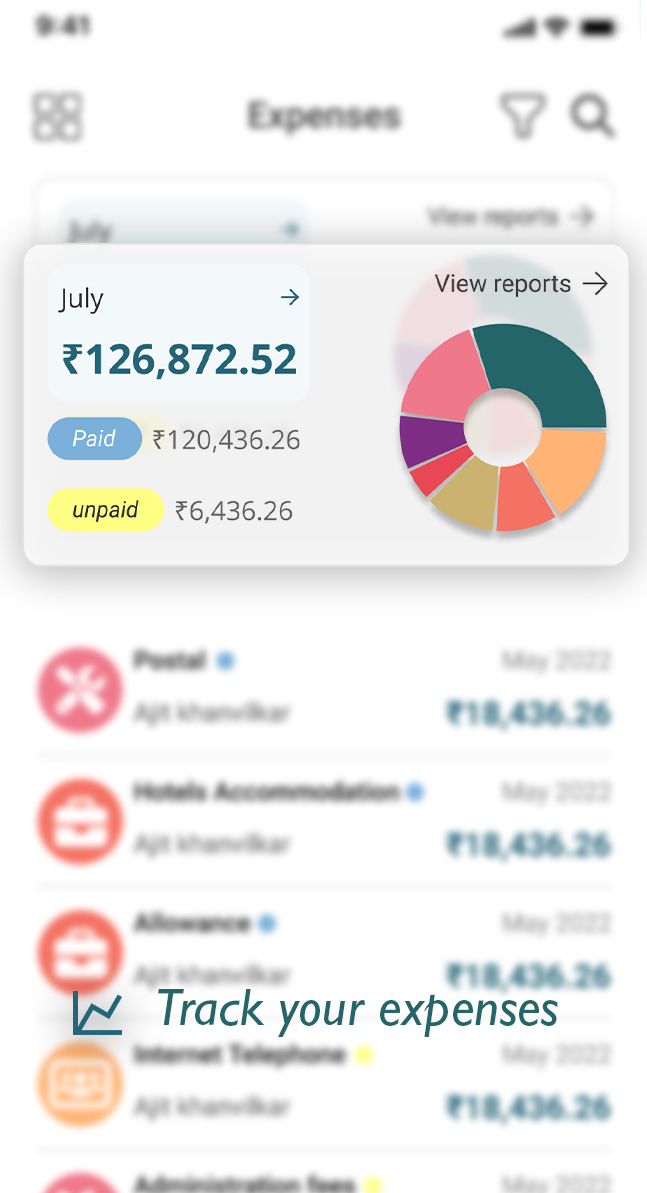
Intuitive Month Selection: Switch between months via the top bar.
Seamless Swiping: Swiper to navigate through months for quick tracking.
Default Currency Display: Expenses shown in your default currency.
Visual Expense Breakdown: Doughnut chart by categories and accounts.
Summary of Unpaid and Paid Amounts: Overview at the bottom left.
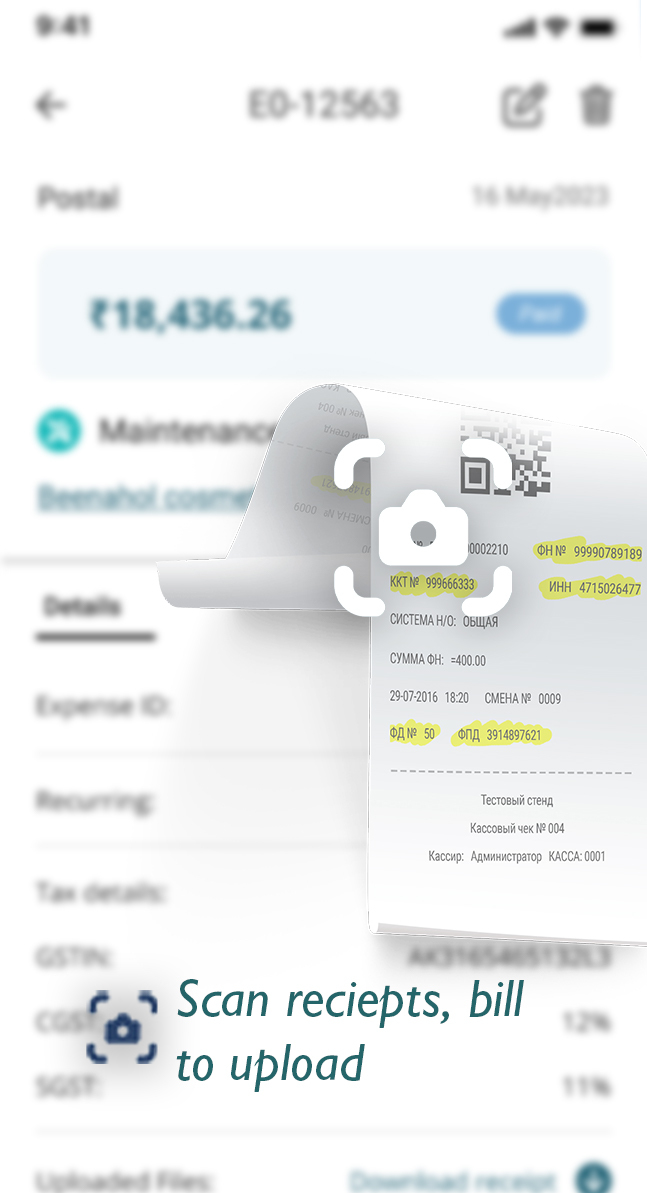
Scan receipts & bills to upload
Snap a photo of receipts with your device's camera—our app extracts details like restaurant name, total bill, taxes, and date automatically, saving time and ensuring accuracy.
Effortless Expense Entry: Capture receipt images and automatically extract details.
Time-Saving: No manual entry—app extracts restaurant name, total bill, taxes, and date.
Improved Accuracy: Automatic extraction minimizes errors.
Convenient Receipt Management: Capture images in the app, no lost paper receipts.
Mobile Accessibility: Scan on the go and add expenses anytime, anywhere.
Data Security: Scanned images and details are securely stored.
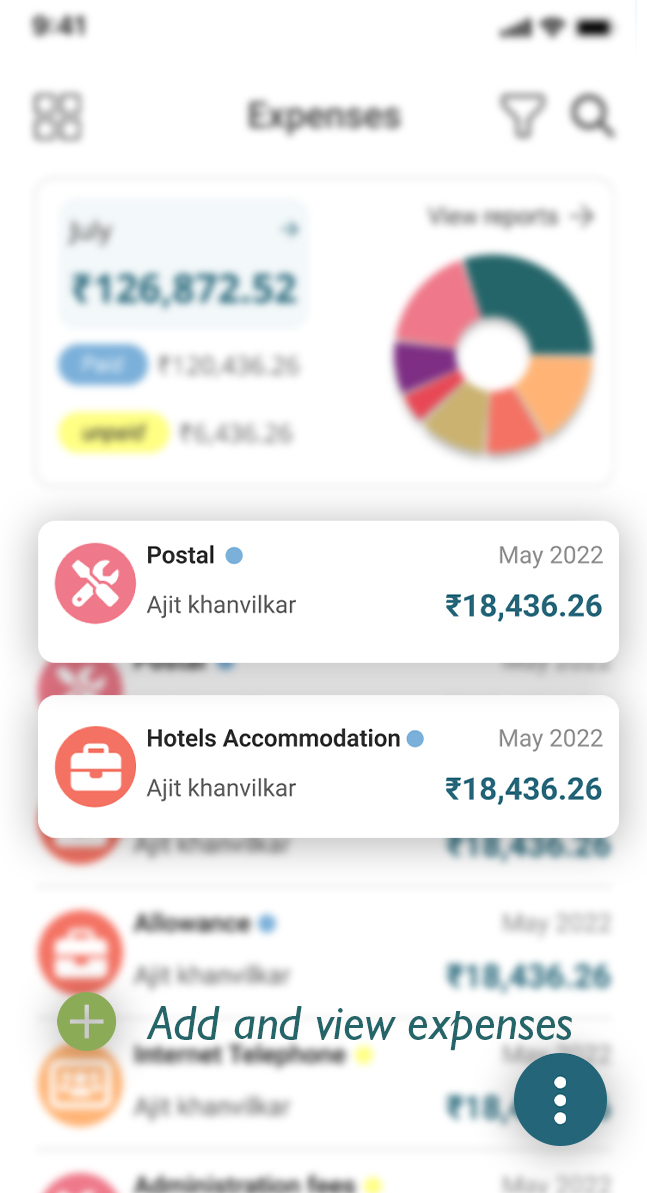
Add and view expenses
Add expenses manually or via scan. Full control over title, date, amount, currency, notes, expense type; advanced section for vendor, PO, tax treatment; payment section for account and reference. View and edit in the View Detail section.
Effortless Manual Entry: Add title, date, amount, currency, notes, and expense type.
Customizable Expense Categories: Create categories that fit your needs.
Scan Receipt Image: Add expenses by scanning receipt images.
Advanced Details: Vendor, purchase order, tax treatment, reverse charge.
Payment Details: Account type, payment mode, reference number.
User-Friendly View Detail: View and edit expense details with a smooth interface.
Getting started
To begin using the Upbooks™ – Expense Tracker app, follow these steps:
- 1Download and install the app from the App Store (iOS) or Google Play Store (Android).
- 2Login/Signup with your Upbooks™ account credentials.
- 3Explore the intuitive interface and discover the powerful features at your fingertips.
Pricing Plans for Expense Tracker
Choose the plan that fits your business needs.
*Prices are exclusive of GST
Free
Perfect for getting started
/ Month
- ✓Sales Order & Invoicing
- ✓Expense Management
- ✓Project Management
- ✕Finance & Accounting
- ✕Vendors & Purchase Orders
- ✕Reports
- ✕Automated Invoice Reminders
- ✓0.5 GB Storage Included
- ✓Notekeepr By Upbooks™
- ✕Quikbilling - POS™
- ✕Employee Connect App
- ✕TalentFlow App
- ✕Custom Domain
Basic
For small teams
/ Month (Billed annually)
Billed yearly- ✓Everything in Free
- ✓Vendors & Purchase Orders
- ✓Proposals & Invoice Reminders
- ✓Basic Finance Accounts
- ✓Basic Reports
- ✓Custom Reminders
- ✓File Imports
- ✓Time Tracking with UpLog
- ✕Inventory Management
- ✕Leads Management
- ✕HR & Payroll
- ✕Advanced Finance Automation
- ✕Activity Logs
- ✓Employee Connect App
- ✓1 API Key Included
- ✕Invite Teammates
- ✓2 GB Storage Included
- ✕Custom Domain
Startup
For growing teams
/ Month (Billed annually)
Billed yearly- ✓Everything in Basic
- ✓Service Bundles
- ✓Access to LeadTrackr
- ✓Inventory Management
- ✓HR & Payroll Suite
- ✕Deals & Contracts
- ✓Advanced Finance Automation
- ✓Customer Wallets & Membership Tiers
- ✓Time Tracking with Screenshots
- ✓Dynamic Dashboards & Widgets
- ✓2 Branches Included
- ✓1 Warehouse Included
- ✓5 Backups per Month
- ✓Invite upto 3 Teammates
- ✓5 GB Storage Included
- ✓Activity Logs
- ✓Launch your website
- ✕Custom Domain
Growth
For enterprises
/ Month (Billed annually)
Billed yearly- ✓Everything in Startup
- ✓Deals & Contracts
- ✓Form & Field Customizations
- ✓Upto 5 Sales Channels
- ✓Inward Shipments
- ✓Accounts Ledger & Audits
- ✓Employee Spends & Reimbursements
- ✓Recurring Tasks
- ✓Advanced Reports
- ✓Unlimited Branches
- ✓Unlimited Warehouses
- ✓Invite upto 5 Teammates
- ✓10 GB Storage Included
- ✓Unlimited Bookmarks
- ✓Advanced Audit Logs
- ✓Customer Portal
- ✕Custom Domain
Growth Plus
For advanced businesses
/ Month (Billed annually)
Billed yearly- ✓Everything in Growth
- ✓Product Bundles
- ✓Item Price Levels
- ✓Customer Groups & Hierarchy
- ✓Assets Management
- ✓Profit & Cost Centers
- ✓Custom Roles & Permissions
- ✓Template Customization
- ✓Recurring Tasks
- ✓MCP Server & Ask AI
- ✓10 GB Storage Included
- ✓Custom Domains
Enterprise
For large organizations
Talk to our team for a tailored plan
Contact SalesWhat's included:
FAQs
Have questions about the Upbooks™ – Expense Tracker app? Contact us for quick answers.
Contact usStart managing your expenses today
Download Upbooks™ Expense Tracker and simplify bills and expenses with organized, accurate tracking.