NoteKeepr by Upbooks™
Manage notes securely
Welcome to the official documentation for NoteKeepr by Upbooks™. This guide helps you make the most of our mobile app—creating, organizing, and securing your notes.
Introduction
Welcome to the official documentation for NoteKeepr by Upbooks™. This comprehensive guide will help you make the most out of our mobile app, providing detailed information on various features and functionalities.
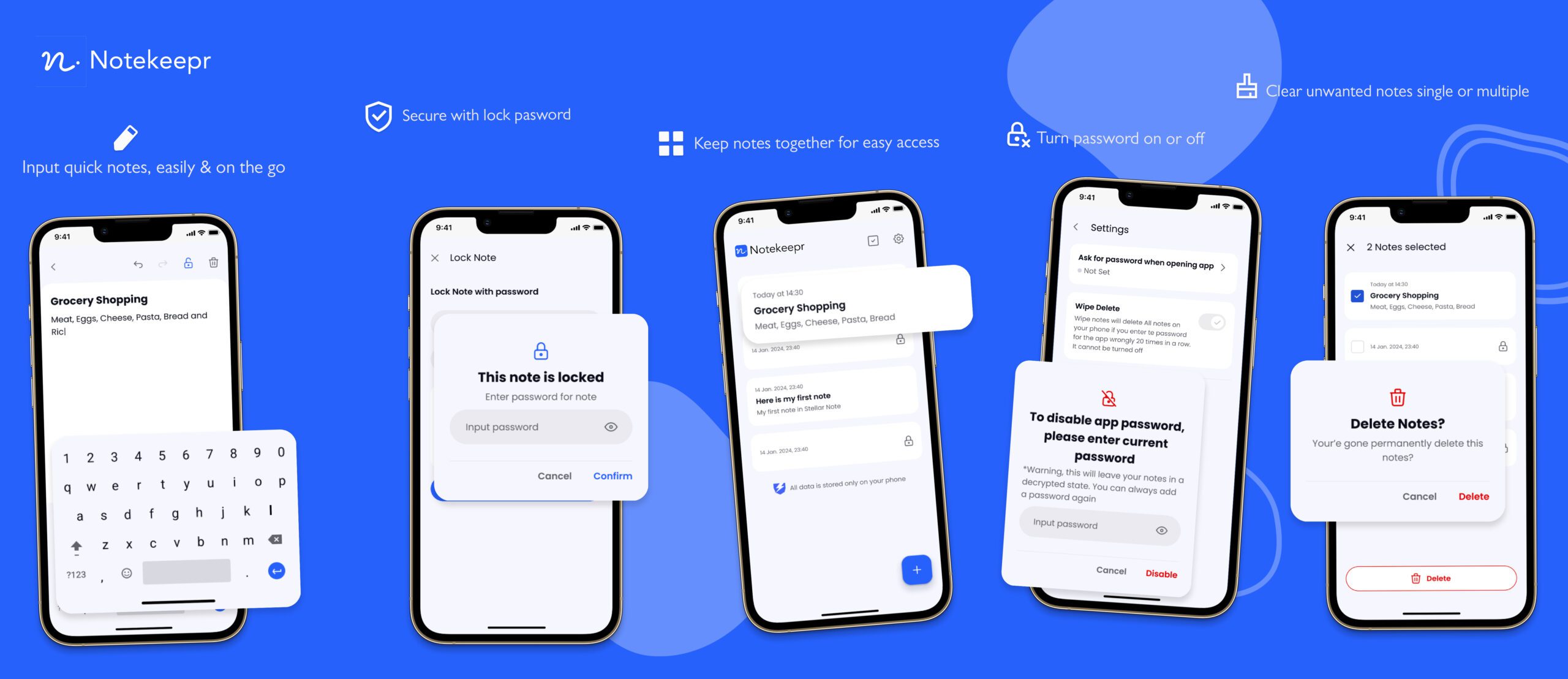
Easily create and edit notes
Effortlessly manage your thoughts and ideas with our intuitive note-taking feature, designed to simplify creating, organizing, and editing notes.
Quick Note Creation: Capture your ideas instantly with an easy-to-use interface.
Edit with Ease: Make changes on the go with a user-friendly editing tool so your notes are always up-to-date.
Organize Efficiently: Categorize and sort your notes for easy retrieval.
Rich Text Formatting: Use bold, italics, bullet points, and more to highlight important information.
Cloud Sync: Access your notes across multiple devices with seamless cloud synchronization.
Keep your notes organized for easy access
Maintain a well-organized collection of your notes, making it simple to find and reference your important information when you need it most.
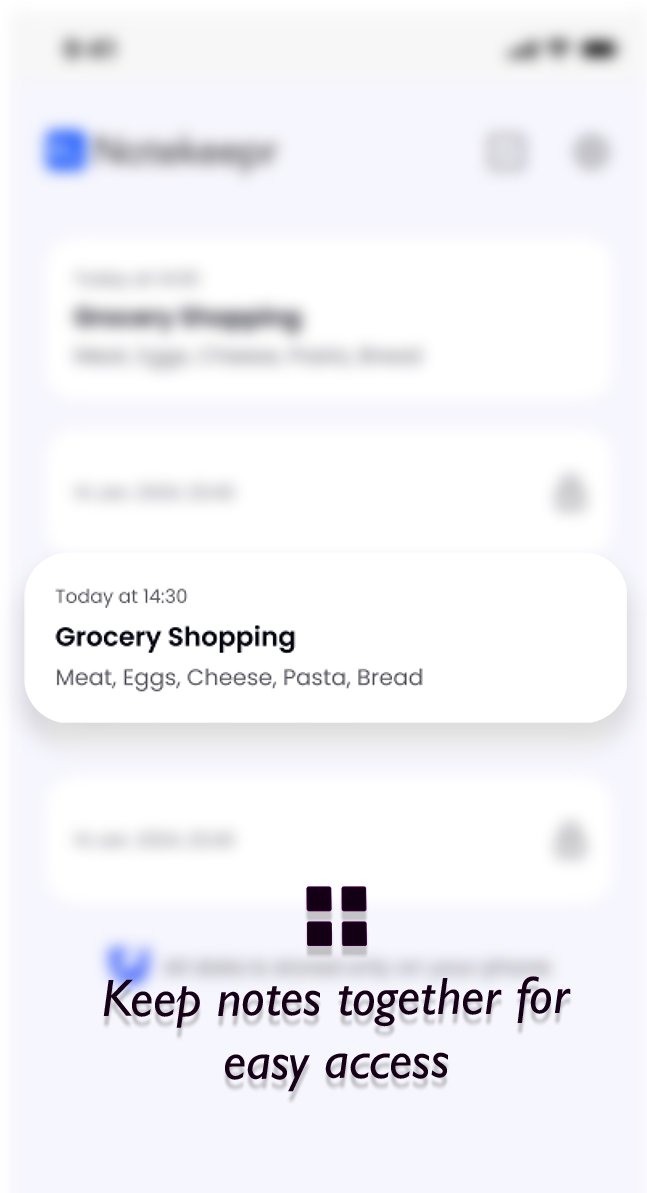
Comprehensive Note List: View all your notes in one place with a clear list format.
Search Functionality: Quickly locate specific notes using powerful search.
Tagging and Categorization: Use tags and categories to group related notes.
Sorting Options: Sort by date, title, or custom criteria to prioritize information.
Visual Preview: Get a quick glance at your notes with visual previews.
Secure your notes with password protection
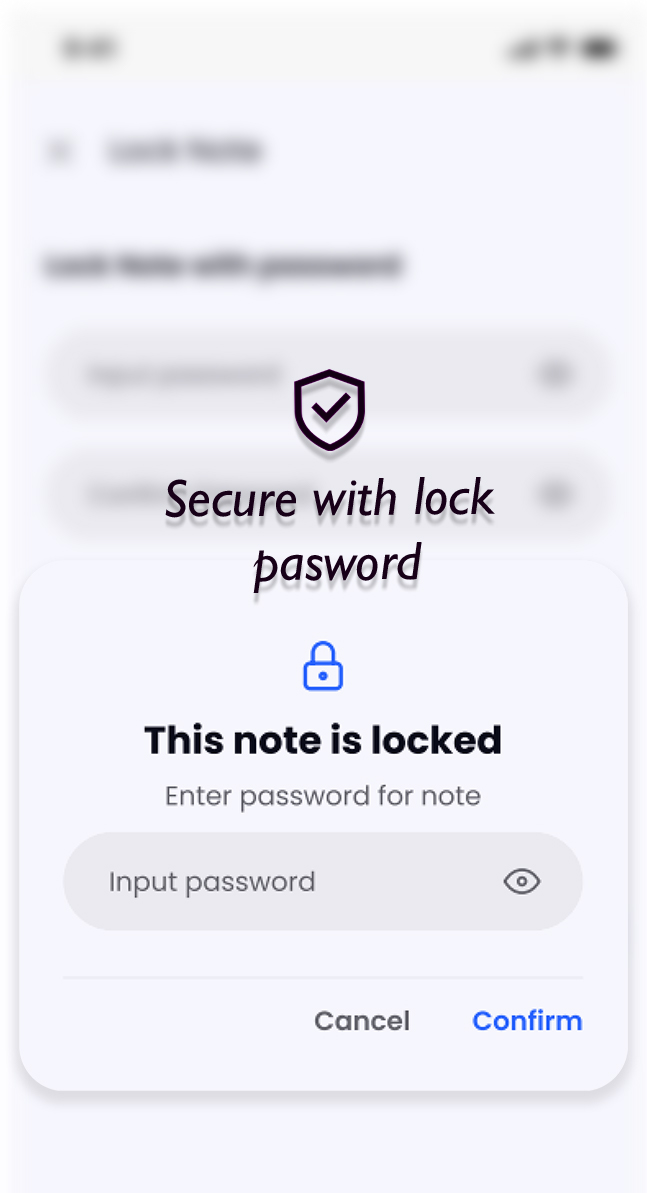
Keep your sensitive information safe with our password protection feature, ensuring that only you can access your private notes.
Hidden Content: Password-protected notes do not display their content in the list, maintaining your privacy.
Unlock with Password: Click a protected note and enter the correct password to view its content.
Easy Setup: Add or update passwords for your notes with ease for an extra layer of security.
Peace of Mind: Your sensitive data is protected from unauthorized access.
Effortlessly delete unwanted notes
Streamline your note management by easily removing unnecessary or outdated notes from your collection.
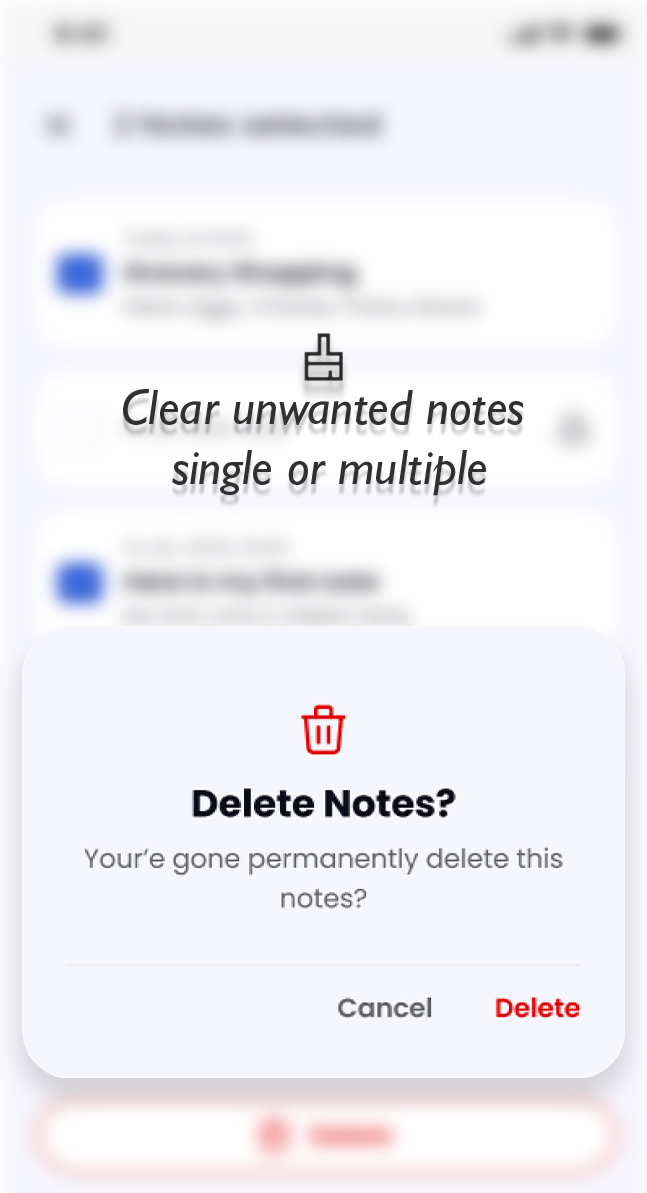
Single and Multiple Deletion: Delete notes individually or select multiple for bulk deletion.
Undo Option: Restore accidentally deleted notes with our built-in undo feature.
Clear Workspace: Keep your note-taking environment clutter-free by removing irrelevant notes.
Confirmation Prompt: A confirmation before permanent deletion prevents accidental removal.
Manage app access with password settings
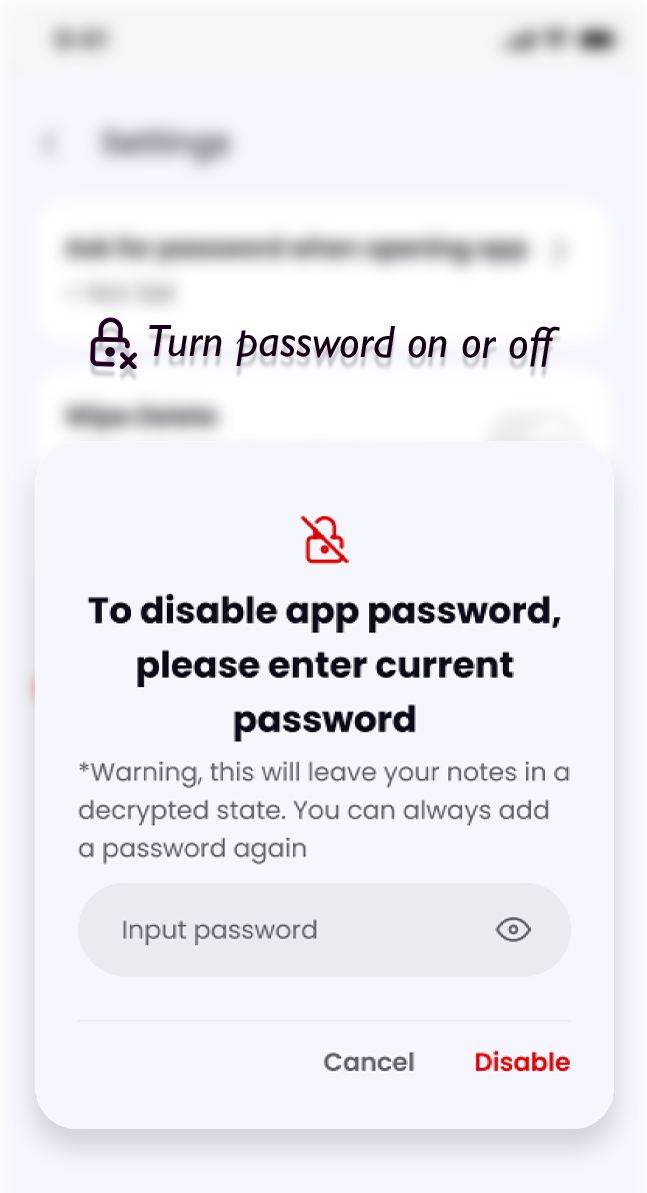
Control access to your app with customizable password settings, ensuring security that meets your needs.
Password Toggle: Enable or disable app password protection directly from settings.
Personalized Security: Choose a strong password that suits your security preferences.
Accessibility: Easily manage your app’s security settings to balance convenience and protection.
Enhanced Privacy: Ensure your notes remain private even if your device is shared or lost.
Getting started
To begin using the NoteKeepr mobile app, follow these steps:
- 1Download and install the app from the App Store (iOS) or Google Play Store (Android).
- 2Login/Signup with your Upbooks™ account credentials.
- 3Explore the intuitive interface and discover the powerful features at your fingertips.
Pricing Plans for Notekeepr
Choose the plan that fits your business needs.
*Prices are exclusive of GST
Free
Perfect for getting started
/ Month
- ✓Sales Order & Invoicing
- ✓Expense Management
- ✓Project Management
- ✕Finance & Accounting
- ✕Vendors & Purchase Orders
- ✕Reports
- ✕Automated Invoice Reminders
- ✓0.5 GB Storage Included
- ✓Notekeepr By Upbooks™
- ✕Quikbilling - POS™
- ✕Employee Connect App
- ✕TalentFlow App
- ✕Custom Domain
Basic
For small teams
/ Month (Billed annually)
Billed yearly- ✓Everything in Free
- ✓Vendors & Purchase Orders
- ✓Proposals & Invoice Reminders
- ✓Basic Finance Accounts
- ✓Basic Reports
- ✓Custom Reminders
- ✓File Imports
- ✓Time Tracking with UpLog
- ✕Inventory Management
- ✕Leads Management
- ✕HR & Payroll
- ✕Advanced Finance Automation
- ✕Activity Logs
- ✓Employee Connect App
- ✓1 API Key Included
- ✕Invite Teammates
- ✓2 GB Storage Included
- ✕Custom Domain
Startup
For growing teams
/ Month (Billed annually)
Billed yearly- ✓Everything in Basic
- ✓Service Bundles
- ✓Access to LeadTrackr
- ✓Inventory Management
- ✓HR & Payroll Suite
- ✕Deals & Contracts
- ✓Advanced Finance Automation
- ✓Customer Wallets & Membership Tiers
- ✓Time Tracking with Screenshots
- ✓Dynamic Dashboards & Widgets
- ✓2 Branches Included
- ✓1 Warehouse Included
- ✓5 Backups per Month
- ✓Invite upto 3 Teammates
- ✓5 GB Storage Included
- ✓Activity Logs
- ✓Launch your website
- ✕Custom Domain
Growth
For enterprises
/ Month (Billed annually)
Billed yearly- ✓Everything in Startup
- ✓Deals & Contracts
- ✓Form & Field Customizations
- ✓Upto 5 Sales Channels
- ✓Inward Shipments
- ✓Accounts Ledger & Audits
- ✓Employee Spends & Reimbursements
- ✓Recurring Tasks
- ✓Advanced Reports
- ✓Unlimited Branches
- ✓Unlimited Warehouses
- ✓Invite upto 5 Teammates
- ✓10 GB Storage Included
- ✓Unlimited Bookmarks
- ✓Advanced Audit Logs
- ✓Customer Portal
- ✕Custom Domain
Growth Plus
For advanced businesses
/ Month (Billed annually)
Billed yearly- ✓Everything in Growth
- ✓Product Bundles
- ✓Item Price Levels
- ✓Customer Groups & Hierarchy
- ✓Assets Management
- ✓Profit & Cost Centers
- ✓Custom Roles & Permissions
- ✓Template Customization
- ✓Recurring Tasks
- ✓MCP Server & Ask AI
- ✓10 GB Storage Included
- ✓Custom Domains
Enterprise
For large organizations
Talk to our team for a tailored plan
Contact SalesWhat's included:
Start capturing your ideas today
Download NoteKeepr by Upbooks™ and manage your notes securely with password protection and cloud sync.
