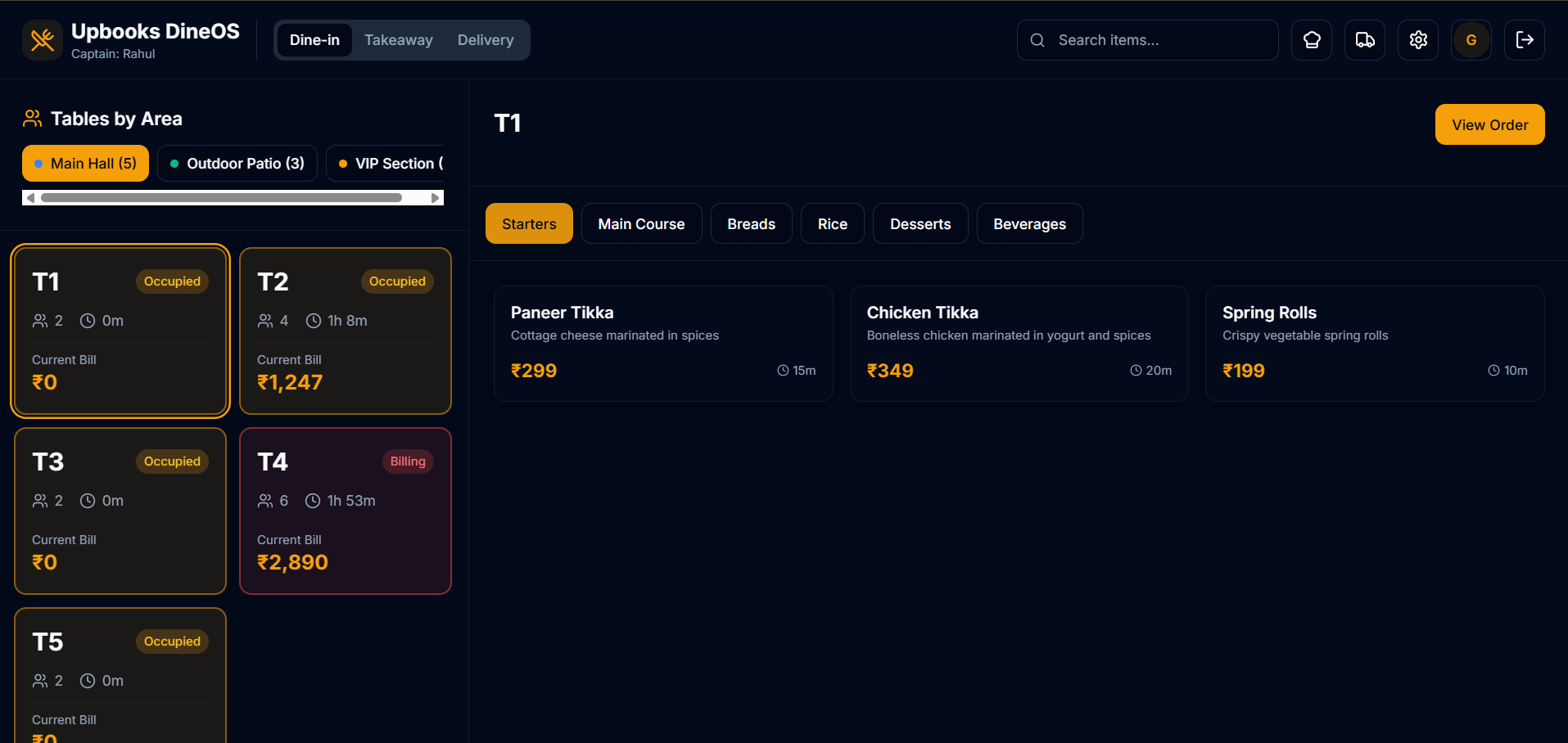
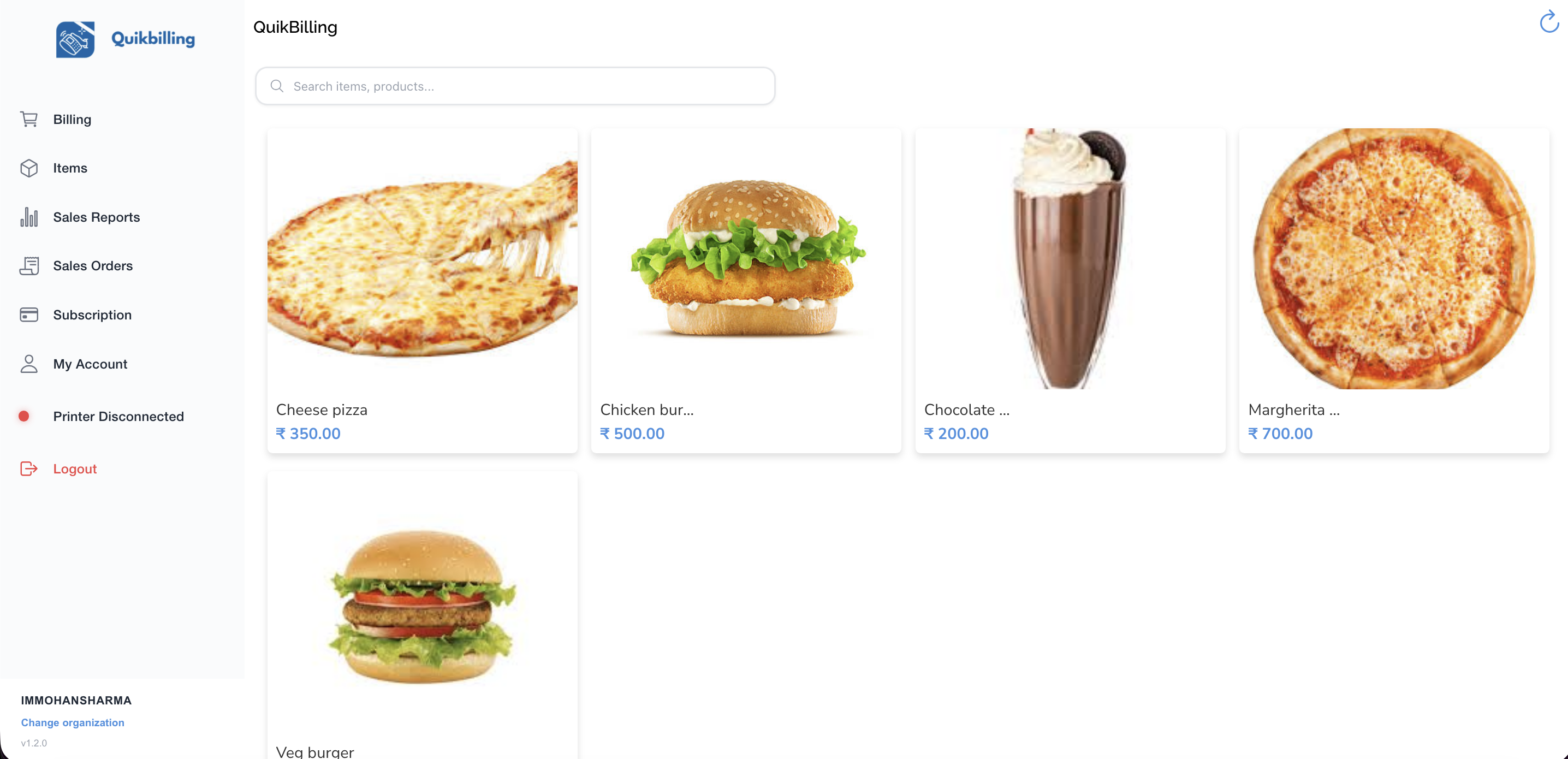
Hospitality & F&B Features – How They Help Your Hospitality or F&B Company
This guide describes each hospitality-related capability in simple language. No technical knowledge required.
Products & Product Categories
A Single Catalog of Products and Services
- Menu and event items in one place: define each item once (e.g. dishes, drinks, event packages) so every bill and report uses the same names and prices.
- Categories (e.g. food, beverage, events) let you filter the catalog and run reports by type so you can see what sells and plan menu or seasonal changes.
- Pricing in one place so happy hour, events, and corporate rates can be applied consistently via discounts while the base menu stays clear.
- Change a price or description in the catalog and choose whether to update only new documents or leave existing ones as they were.
- Same catalog for daily service and events so operations and finance use one source for what you offer and how it's described.
Why it matters
Products become the central hub for every menu item, event package, and service you offer. Having all product information in one place means you can track what sells, adjust pricing consistently, and ensure every bill uses the same names and prices without manual errors.


Branch & Sites
Multi-Location Setup for Outlets and Venues
- Multiple outlets or venues in one system: set up each restaurant, bar, or event venue as a branch or site so you have a clear view of your estate.
- When you record sales or stock movements, choose the location so the right outlet is updated and you know what's happening where.
- Reports on sales or stock can be filtered by location so you see performance by outlet (e.g. which venue drove the most revenue this month).
- Supports multi-outlet operations: compare sites, plan rotas and stock by venue, and close daily or monthly per outlet if needed.
- Branch types in the app can include retail store, flagship, etc., so you can model different kinds of outlets or venues.
Why it matters
Branch and sites become the foundation for multi-location operations. You can track performance by outlet, manage stock and staff per location, and get a clear view of your entire estate from one system.

Invoices & Payments
Create Invoices and Track Customer Payments
- Daily turnover: invoice or receipt for sales; record payments by tender type (e.g. card, cash, digital) so you can reconcile till and bank and see how you were paid.
- Correct tax on every invoice so the customer sees a clear breakdown and you stay compliant; tax settings and GST apply to each line or document as configured.
- Link payments to invoice(s); client ledger and invoice status update so you always know what's paid and what's overdue—essential for corporate and event receivables.
- Same data feeds P&L and finance dashboard so daily and monthly closing use one source; no spreadsheets for core billing and payments.
- Tender types and payment methods in one place support daily cash-up and reconciliation across outlets.
Why it matters
Invoices and payments keep your billing and collections organized. Linking payments to invoices ensures your books stay accurate, while recording tender types helps with daily cash-up and reconciliation across all outlets.


Clients & Client Ledger
Manage Corporate Clients and Event Bookers
- Corporate and event receivables: one record per corporate client or event booker; ledger shows what was billed, paid, and overdue so you know who owes what.
- Client ledger gives one view per customer: what was billed (e.g. event package, catering), what was paid, and what's ageing (e.g. 30, 60, 90 days) so you can prioritise collections.
- Link invoices and orders to the client so from the client screen you see their full history—essential for events and corporate accounts.
- Supports both operations (which events, which corporate accounts) and finance (receivables, collections, cash flow).
- Ageing helps you chase the right customers at the right time so event and corporate revenue doesn't get stuck.
Why it matters
The client list and ledger become the central view of each customer for your entire sales and collections process. You can see the full relationship, track what has been billed and paid, and prioritize collections based on ageing to keep cash flow healthy.

Expense Categories
Group Spending for Cost Control and Reporting
- Food, labour, overhead: define categories that match how you run the business (e.g. food cost, wages, rent, utilities) so every expense is coded correctly.
- Cost control: see spend by category so you can compare to budget, spot overspend, and take action (e.g. food cost vs revenue, labour vs sales).
- Same categories across outlets (if you use them) so you can compare cost structure by site or roll up to company level.
- Expense categories feed into P&L and finance dashboard so margins and cost ratios (e.g. food cost %, labour %) are based on real, categorised data.
- Supports daily and monthly closing: know what you spent and where so you can close the books and report on margins with confidence.
Why it matters
Expense categories provide the foundation for cost control and profitability analysis. Every expense is coded correctly, which helps you spot overspend, compare costs across outlets, and report on margins with confidence.

Tax Settings & GST and Tax Reports
Configure Tax Treatment and Generate Compliance Reports
- Compliant billing: set tax once (e.g. GST at applicable rates) so every invoice shows the correct taxable amount, tax amount, and total for dine-in, takeaway, or events as per your rules.
- Tax reports give you a monthly overview and GST summary so you can file returns and answer audits without pulling data from spreadsheets or multiple systems.
- Supports different supply types or locations if you have different tax treatment by outlet or by type of sale.
- Customers get a proper tax document for their records; you stay on the right side of the law and reduce the risk of errors and penalties.
- One place for tax rules so all outlets and all staff use the same configuration for consistent, compliant billing.
Why it matters
Tax settings and reports ensure compliant billing and easy filing. Every invoice uses the correct tax treatment, and tax reports give you the data you need for returns and audits without manual work.

Discounts
Manage Promotions, Happy Hour, and Corporate Rates
- Happy hour, events, corporate discounts: define discounts once (e.g. "Happy hour 20%", "Event package 10% off", "Corporate 15%") and apply them on invoices so the customer sees the discount and the total is correct.
- Per-item discounts support "buy one get one" or item-level promos; document-level discount supports "bill discount" or "corporate rate" on the whole bill.
- Using a discount list keeps descriptions and codes consistent and helps reporting (e.g. how much was discounted in a period or by outlet).
- Credit notes can handle refunds or adjustments while keeping the link to the original invoice so your books and customer history stay clean.
- Run promotions and events without manual calculation errors; the system applies the discount and recalculates tax and total so till and reports are accurate.
Why it matters
Discounts make promotions, happy hour, and corporate rates easy to manage. Define discounts once and apply them consistently, so every bill is correct and you can track how much was discounted for reporting and analysis.

Streamline your hospitality operations.
Manage products, branches, invoices, payments, clients, expenses, tax, and discounts all in one place.