From roadmap to launch — one product command center
Plan on custom boards, align budgets with finance in Prism, capture launch demand with campaign forms, and measure productivity with UpLog — without switching tools.
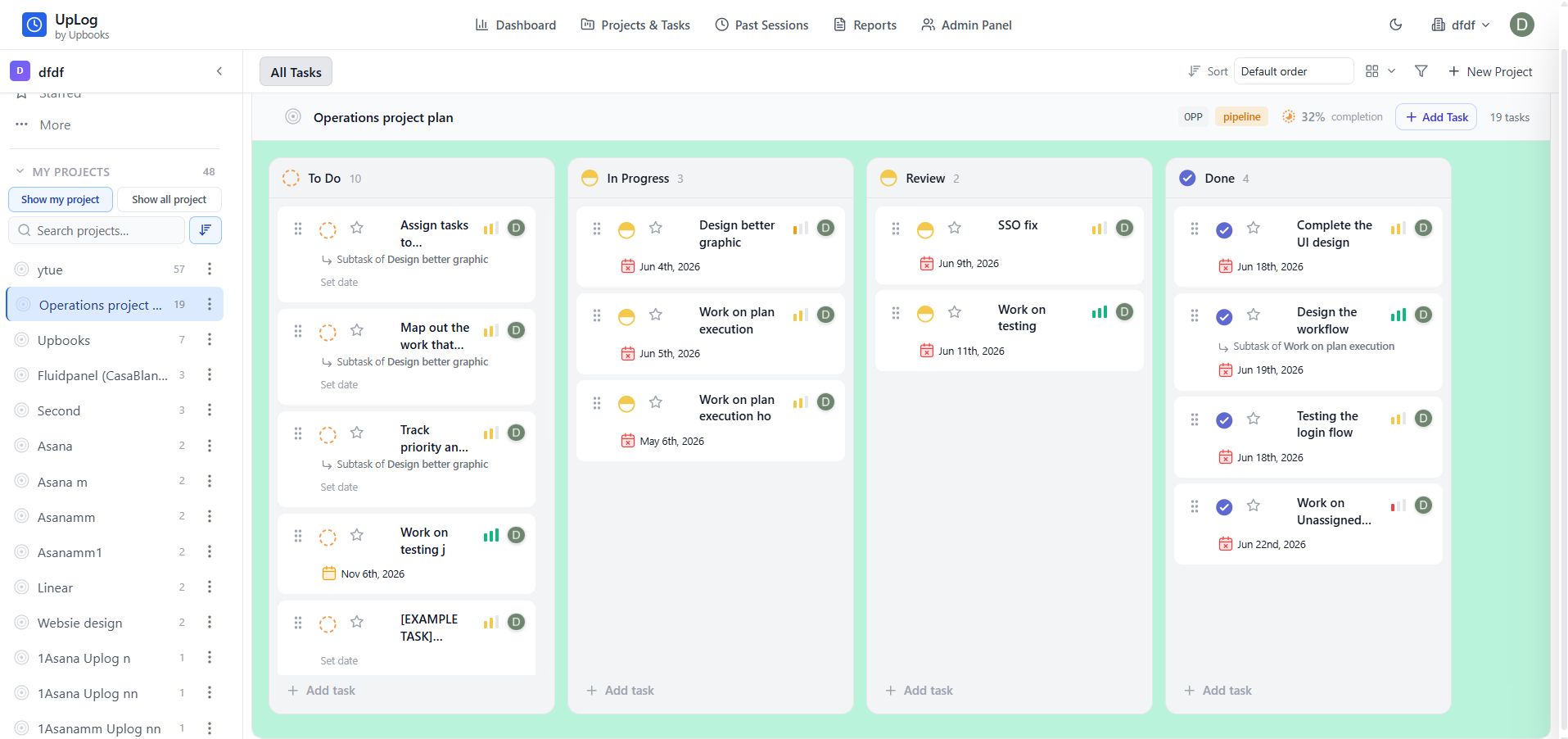
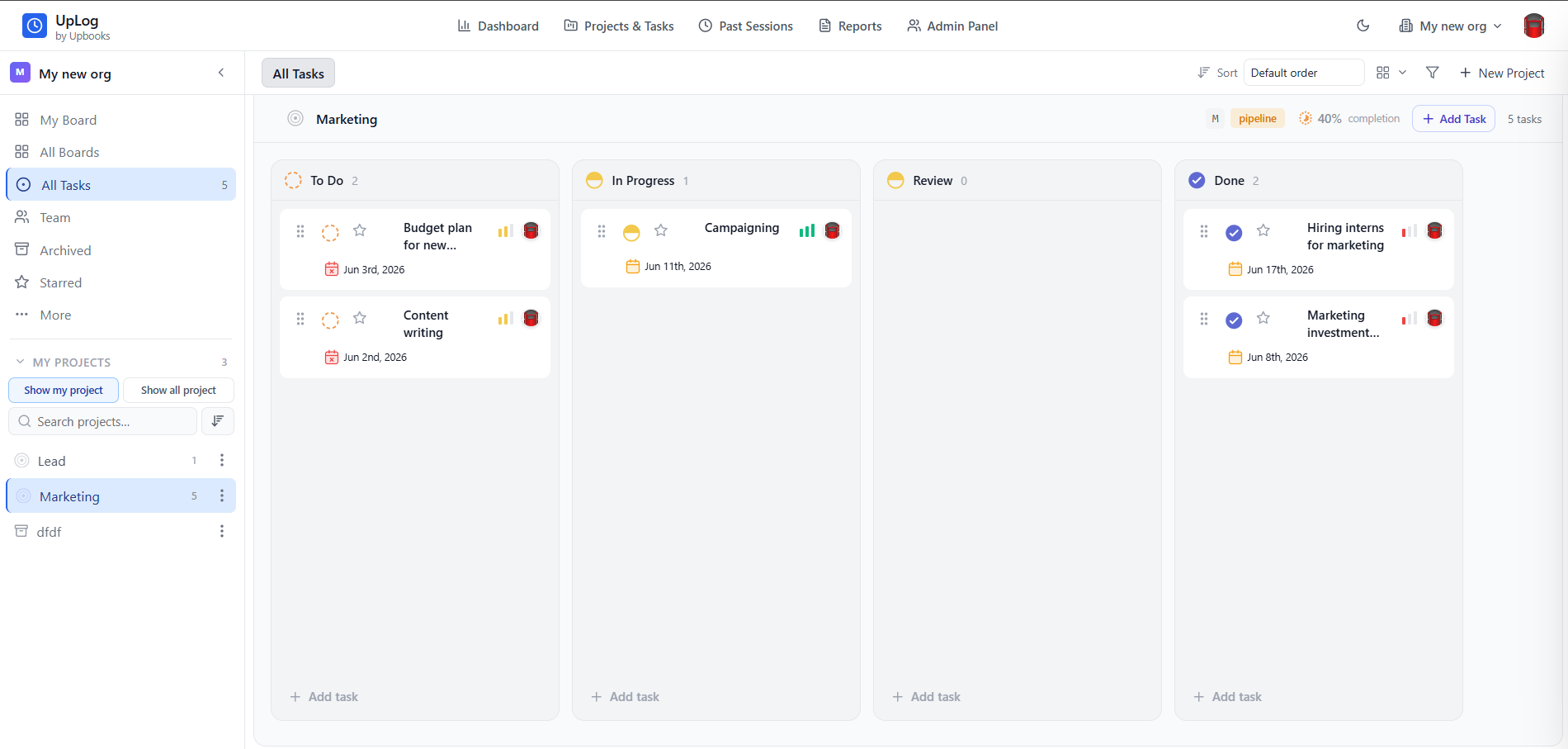
Kanban stages for every launch workstream
Launch lifecycle
Four connected layers for every product ship
Each layer maps to a real app in the Upbooks suite — plan work, control budget, capture demand, measure output.
Custom Boards
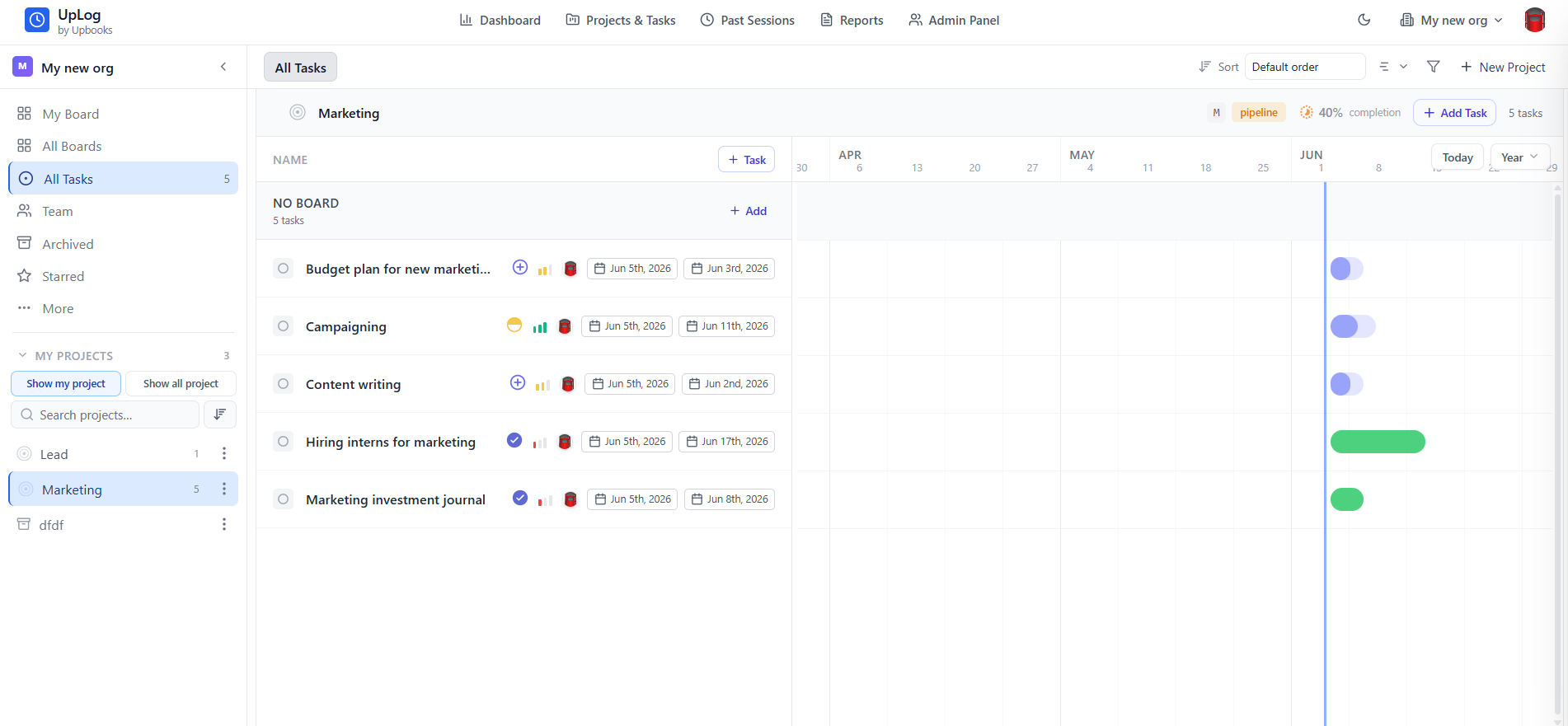
Launch workflows, timelines, and cross-app PM + UpLog
Explore layerPrism FP&A
Budget management aligned with finance
Explore layerLead & campaign forms
Capture demand from every product launch
Explore layerProductivity reports
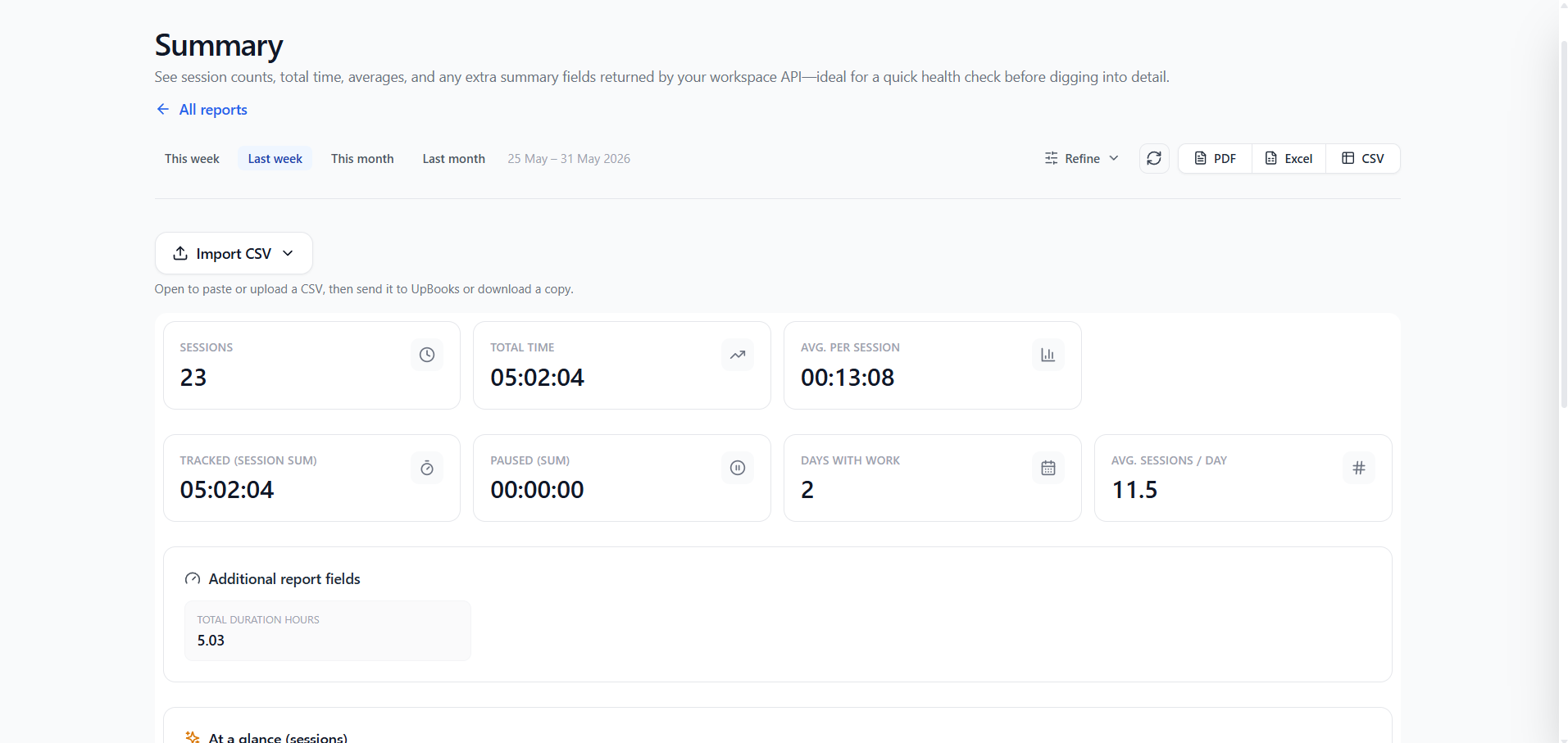
Tasks, projects, and time in one view
Explore layerData flows across layers — click any card to jump down
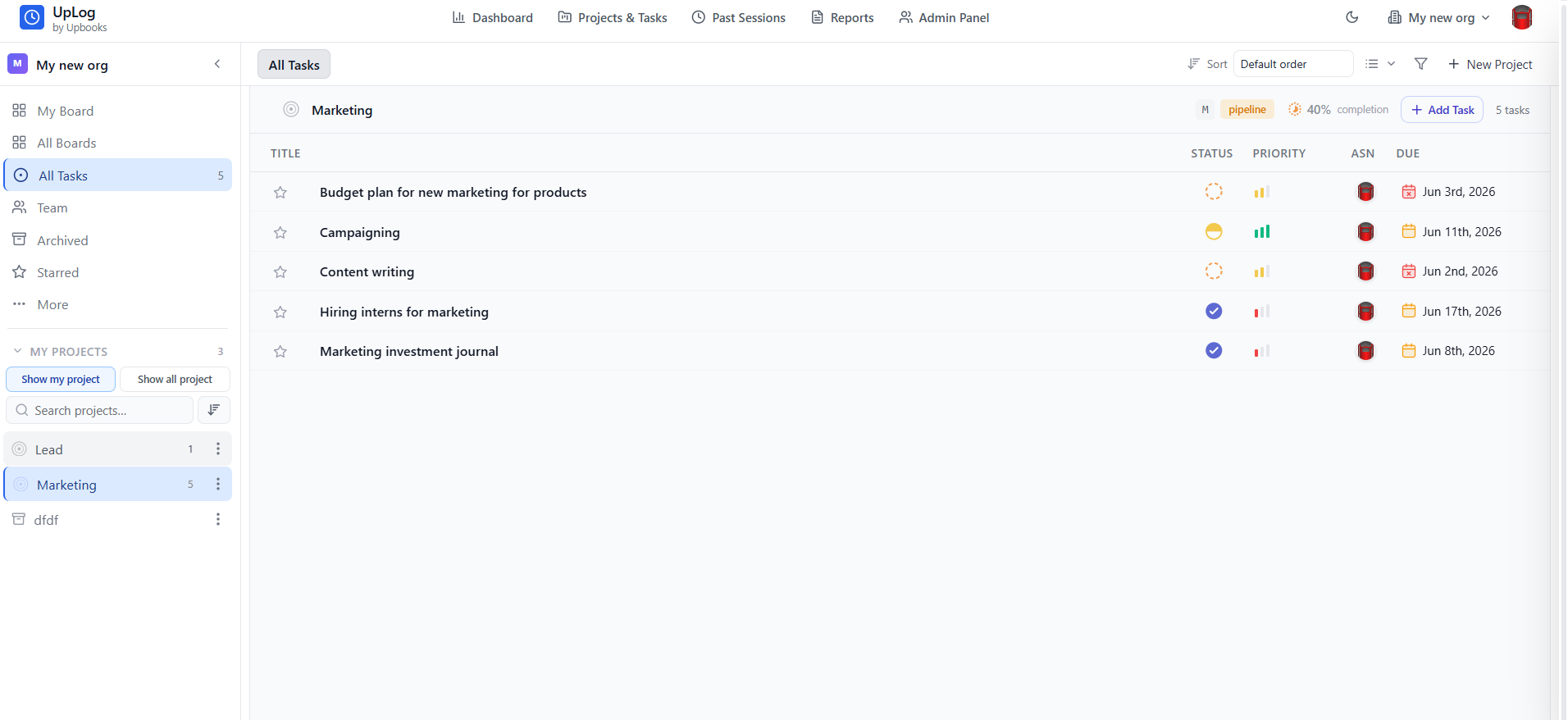
Custom Boards
Product launch workflows and timeline management
- Create custom boards for every launch — discovery, build, beta, and go-to-market in one view
- Design product launch workflows with stages, owners, and due dates your whole squad follows
- Manage timelines with Gantt-style views so dependencies and milestones stay visible
- Configure multiple boards per project — sprint board, launch checklist, and stakeholder tracker
- Cross-compatible with the Project Management app, UpLog time tracking, and timeline management
- Log hours in UpLog against the same tasks and projects; time data feeds capacity and cost reporting
Why it matters — Product teams ship faster when launch plans, boards, and timelines live in one connected stack — not scattered across tools that never talk to each other.
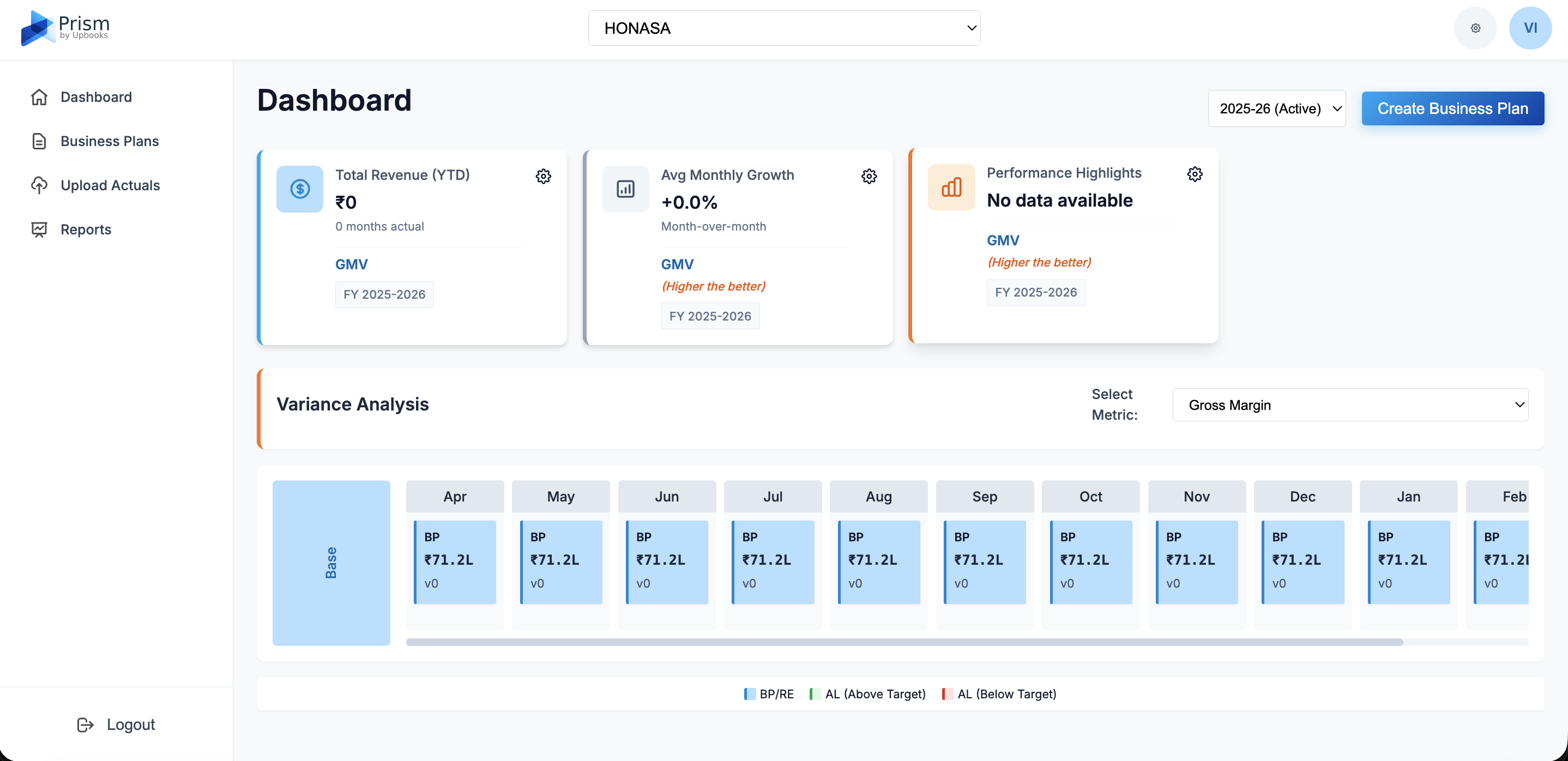
Prism FP&A
Budget management built for product teams and finance.
Product leaders need more than roadmap slides — they need budgets finance trusts. Prism gives you AI-powered forecasting so you can plan launch spend, explain variance to the Business Finance Team, and keep investment aligned with company goals.
- Set product budgets by initiative, squad, or launch phase — track spend against plan in real time
- Coordinate with the Business Finance Team on a shared FP&A workspace, not scattered spreadsheets
- Model launch scenarios — expected, optimistic, and pessimistic — with variance bridges leadership trusts
- Upload actuals via CSV and align engineering, design, and GTM costs to one budget structure
- Professional reports for product reviews: income statement views, comparison, and driver-based analysis
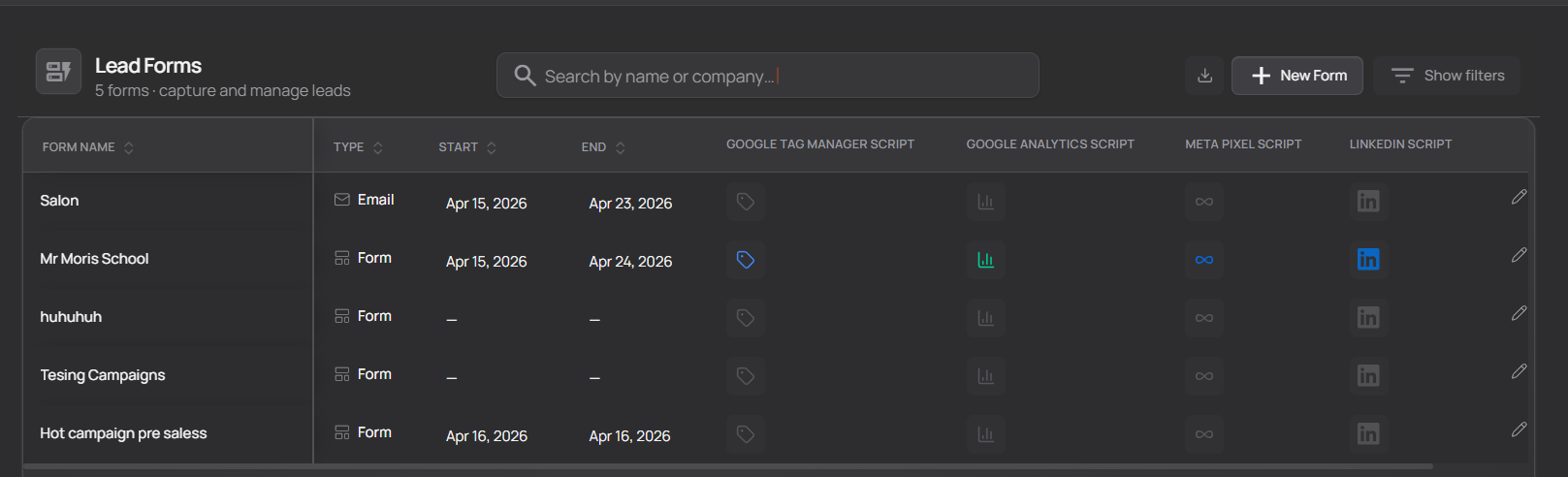
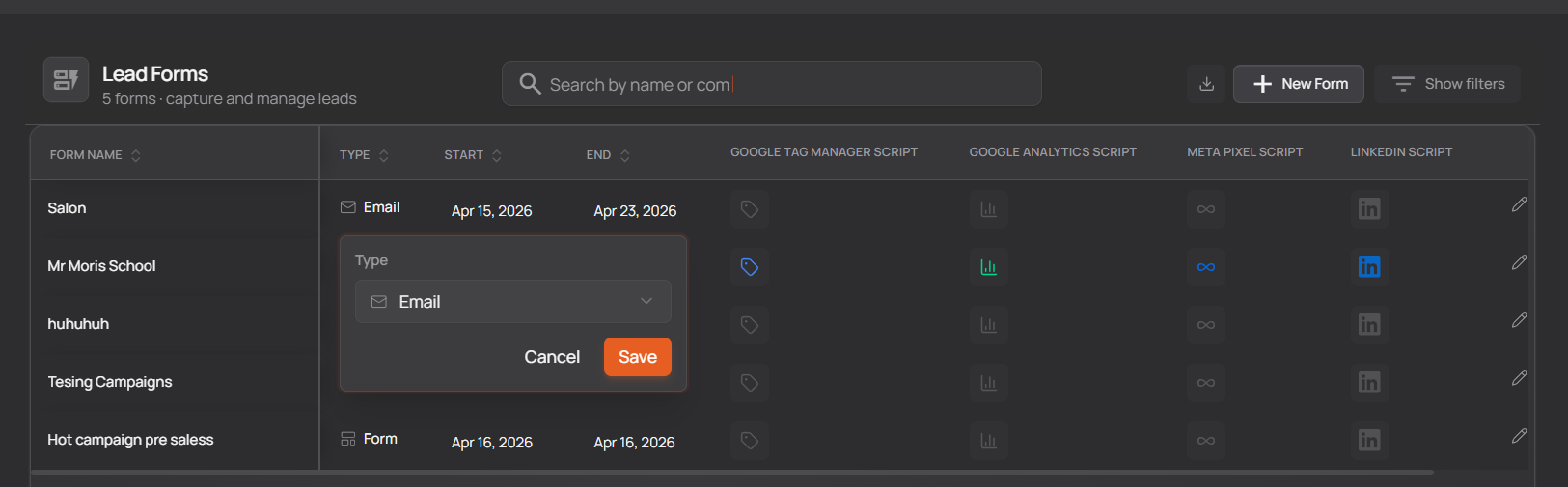
Lead forms & campaign forms
Turn every launch into a structured feedback loop
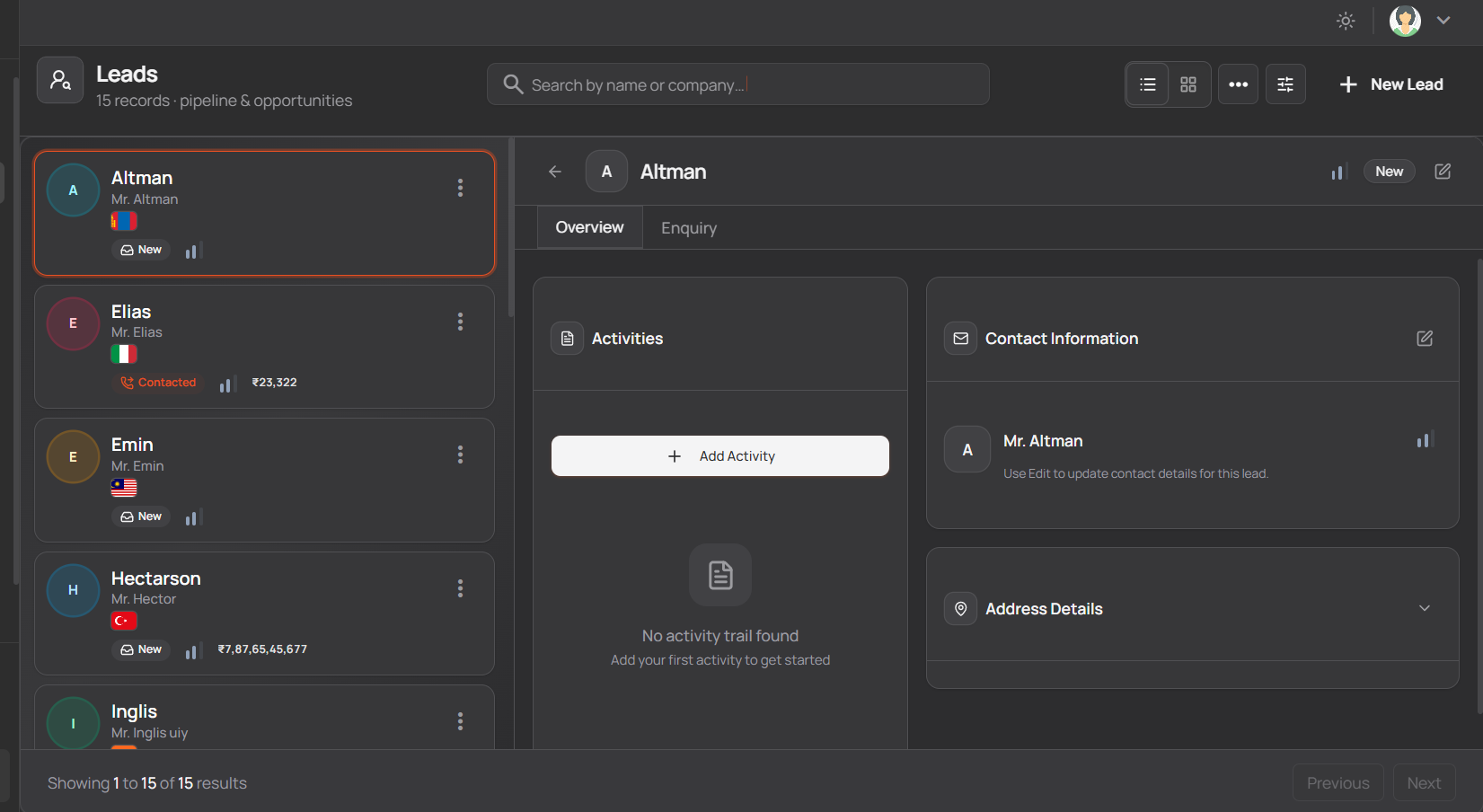
- 1Build lead forms and campaign forms tied to product launches, betas, and feature announcements
- 2See campaign name, dates, type, and status — know what is running and when it ends
- 3Track how many leads each campaign generated and route them into your product pipeline
- 4Open any campaign to manage leads it created; add new leads or move them through stages
- 5Overview dashboards surface active campaigns, spend totals, and new sign-ups at a glance
- 6Connect campaign intake to segments so product and GTM teams prioritize the right users
Every launch needs a feedback loop — campaign forms turn interest into structured leads your product team can act on.
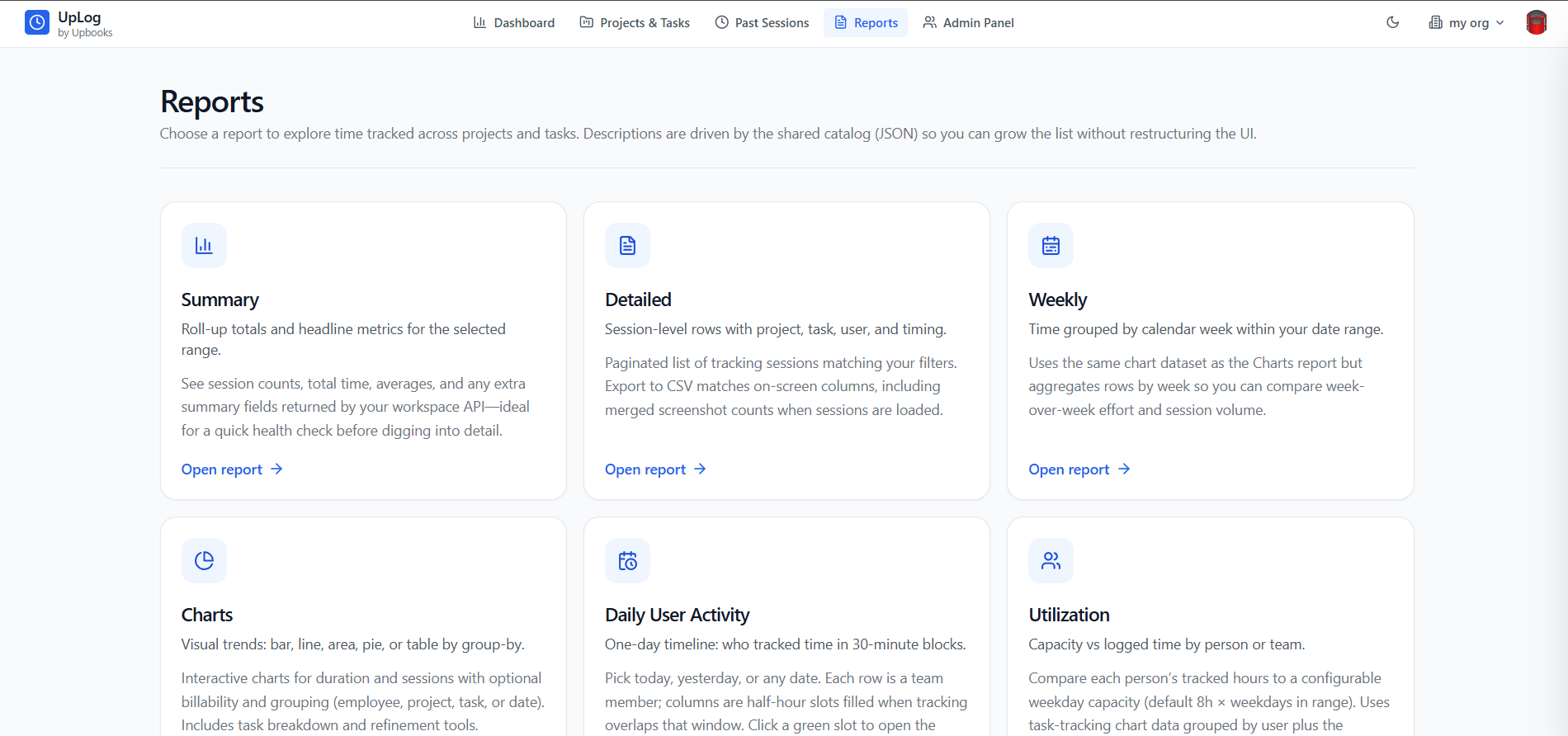
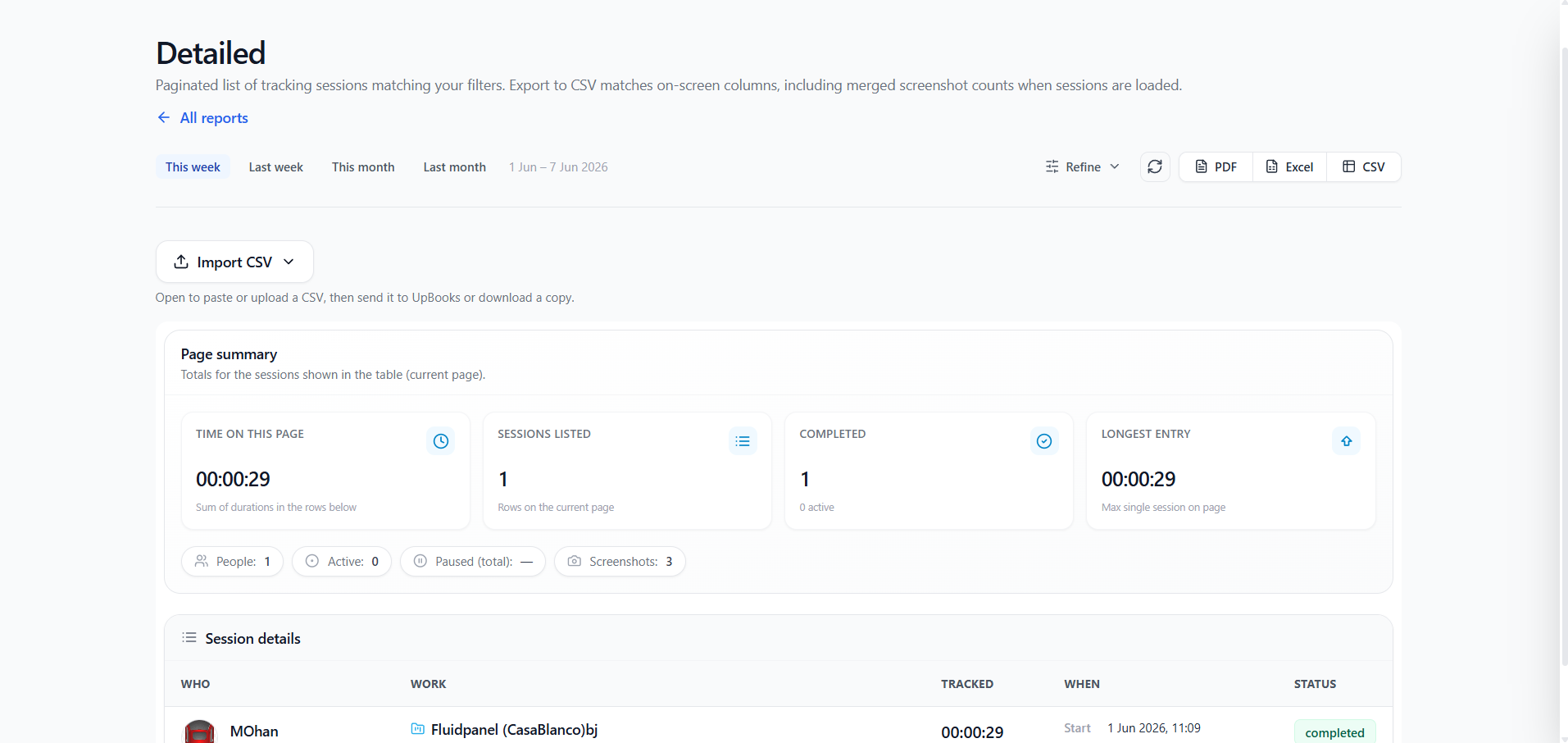
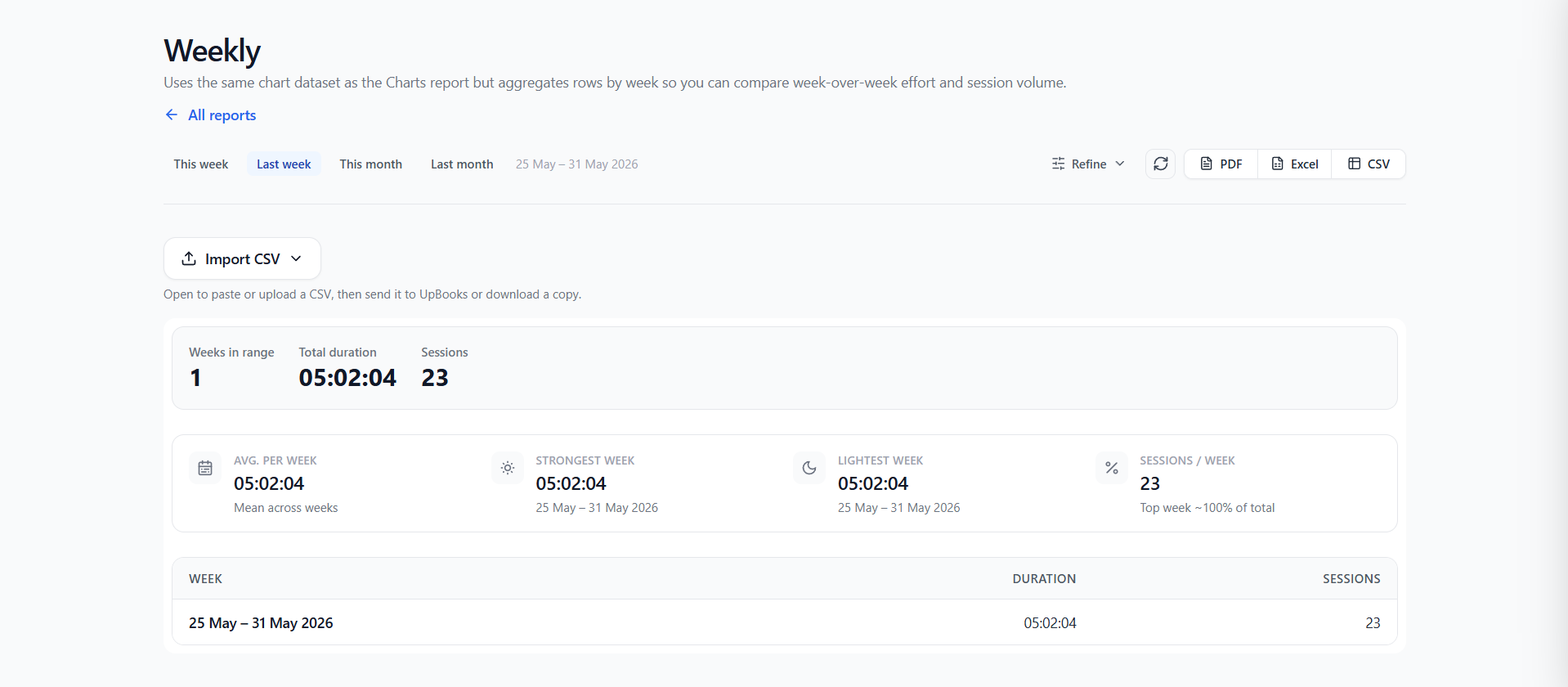
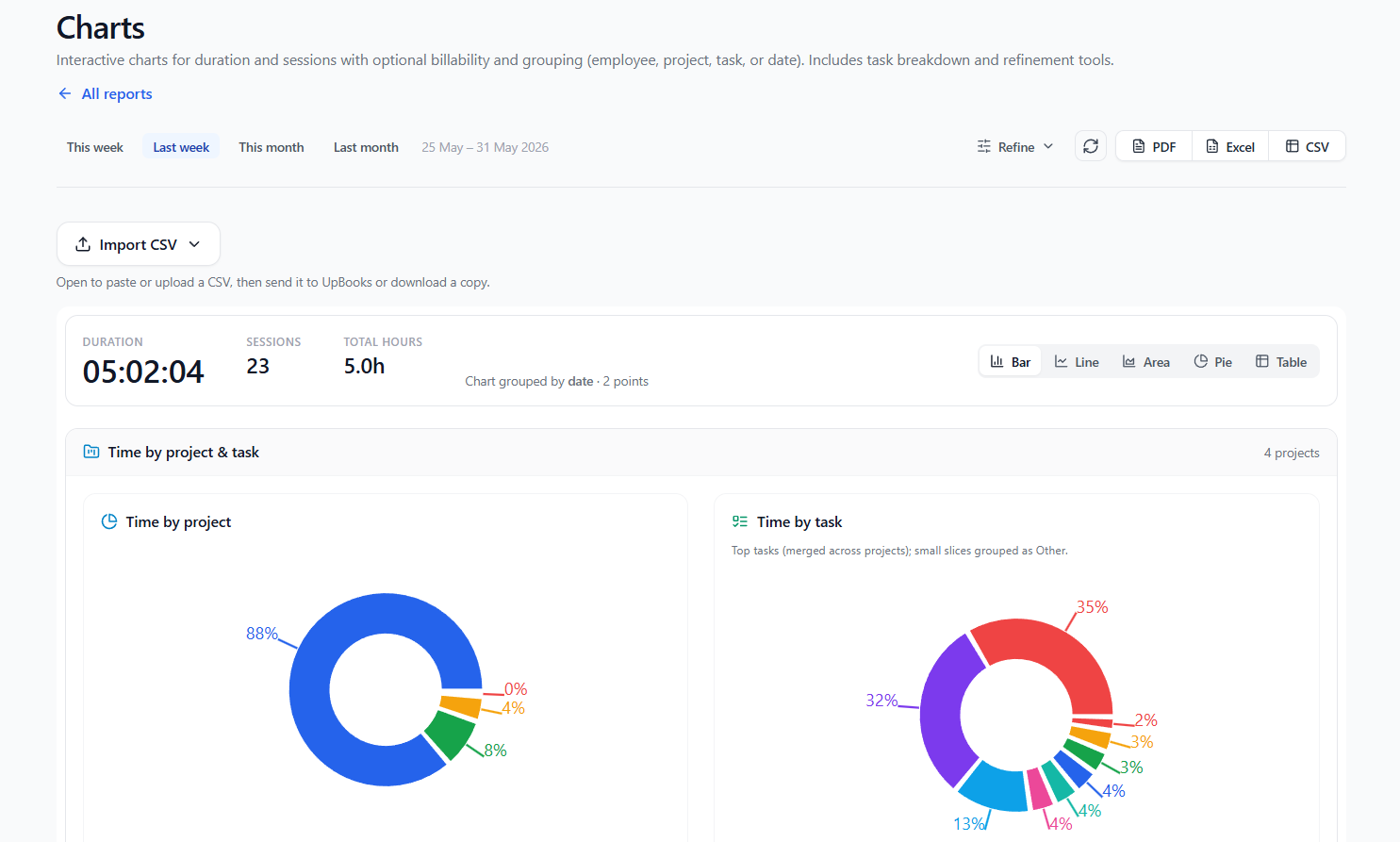
Productivity & project reports
Tasks, projects, and time — in one reporting layer
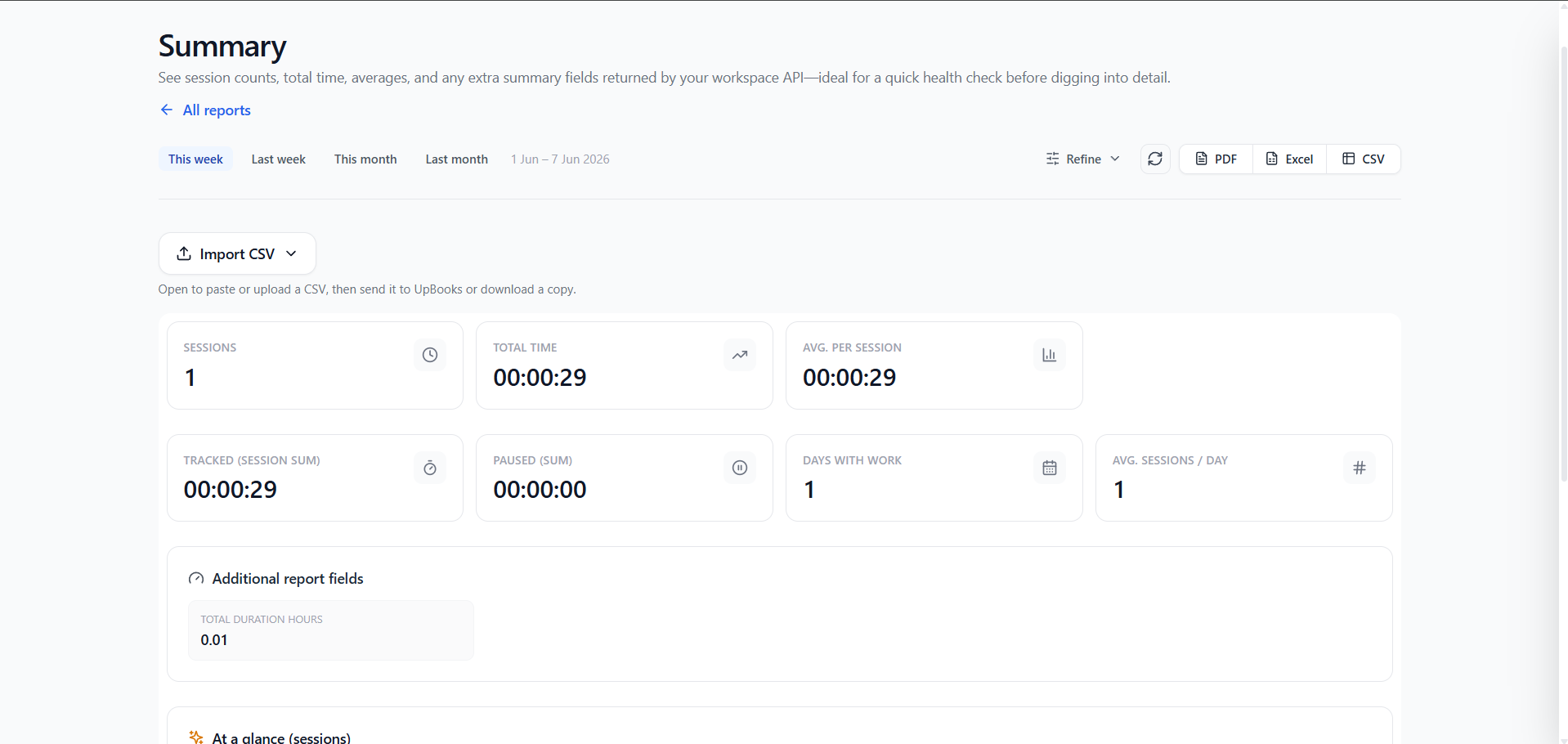
- 1Productivity reports show output per team member, squad, or sprint — spot trends before deadlines slip
- 2Task reports break down completion rates, overdue items, and bottlenecks across boards and workflows
- 3Project reports roll up status, budget burn, and milestone progress for leadership reviews
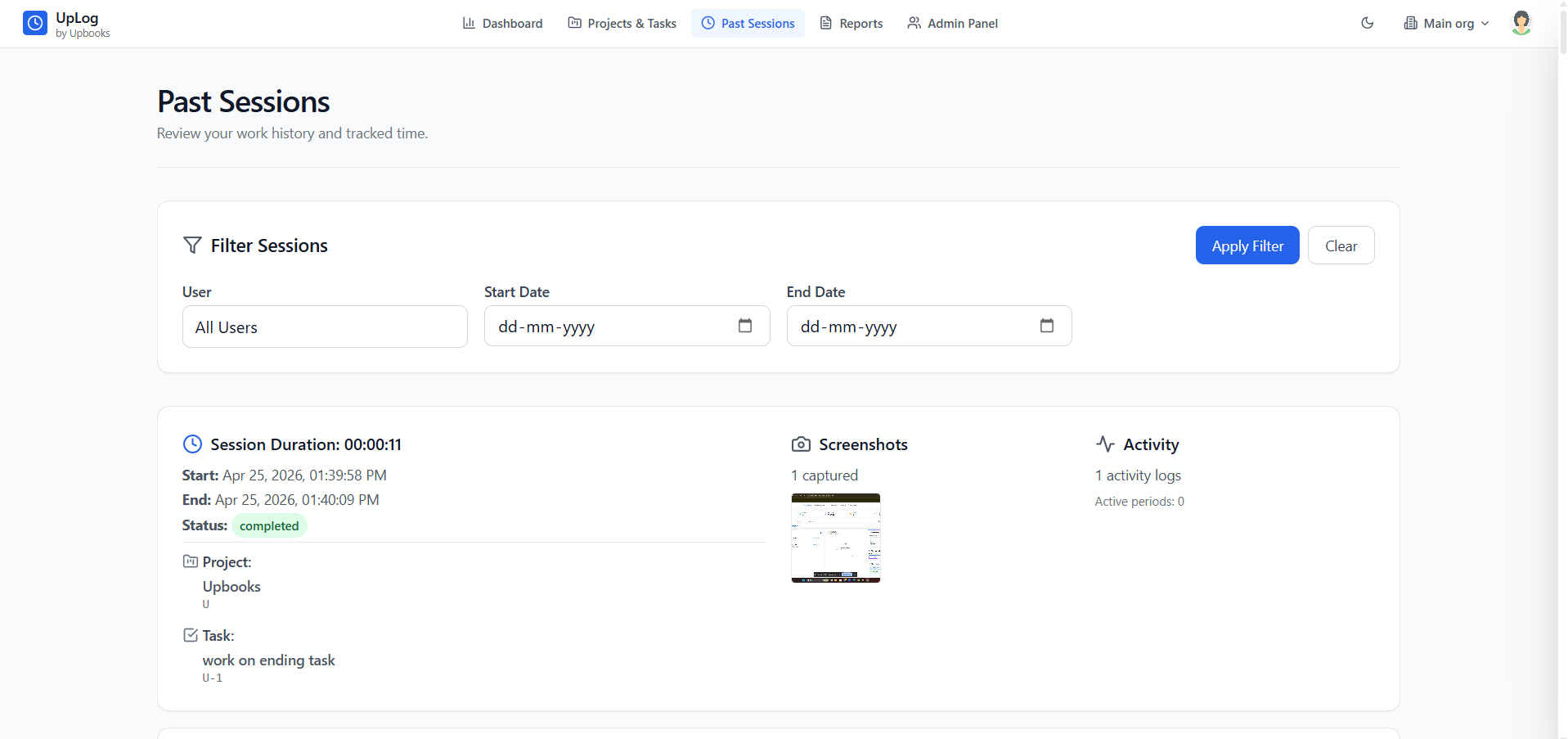
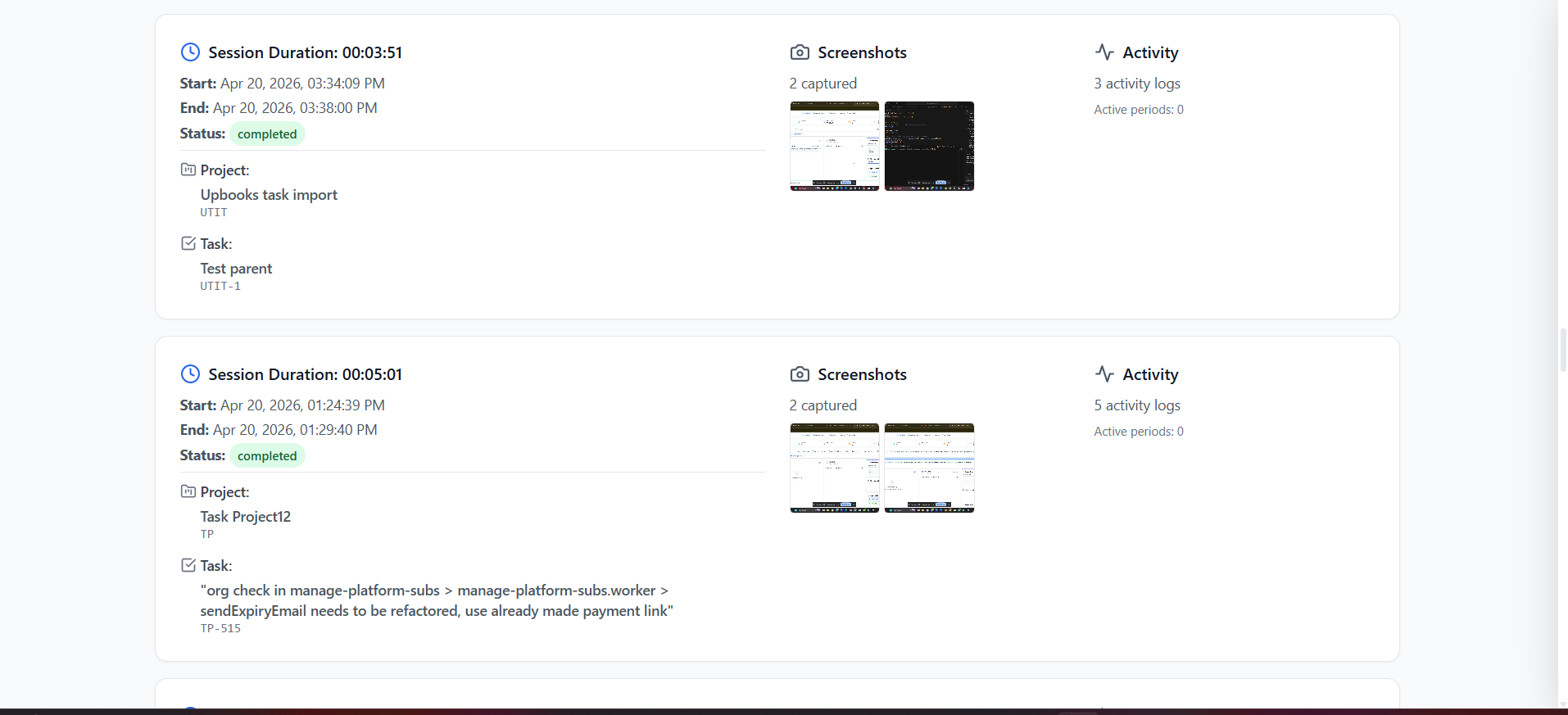
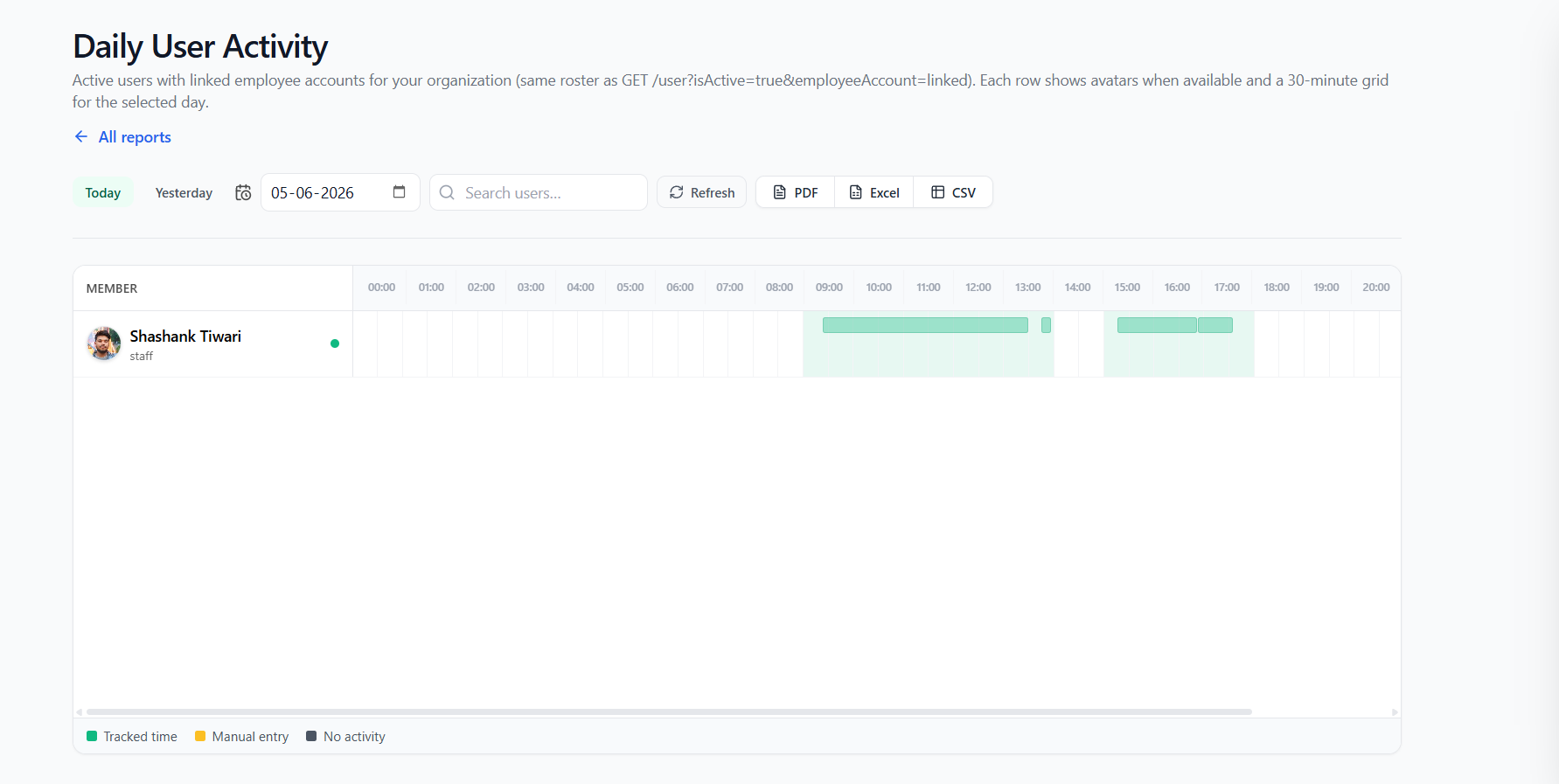
- 4UpLog time reports connect hours logged to projects and tasks for accurate capacity planning
- 5Filter by date range, project, assignee, or board — export for stand-ups, reviews, and planning
- 6Answer questions like "where is time going?" or "which launch workstreams are behind?" with live data
Product decisions need evidence — unified reports on productivity, tasks, and projects keep roadmaps honest and teams accountable.
Ready to ship?
Give your product team one place to plan, budget, and measure
- Custom boards for every launch phase
- Budgets aligned with your finance team
- Campaign forms that feed your pipeline
- Productivity reports across tasks & time