Tags:
Ask a remote team lead how a project is going and you will usually get a pause, then a promise to check. The answer exists somewhere. It might be in a chat thread from Tuesday, in a call nobody recorded, or in one person's head. So the lead schedules a catch-up.
That is where most status meetings come from. People do not call them out of love for calls. They call them because the work itself cannot be seen.
The update that only exists when someone asks
In an office you can walk over and look. In a remote team, progress has to be reported before anyone can know it. Somebody writes a summary, somebody reads it, and a third person asks a follow-up on a call. Multiply that by every project and every person, and a good part of the week goes on describing work instead of doing it.
The fix is rarely fewer meetings. It is making the work visible enough that the meeting has less to explain.
Start with the task
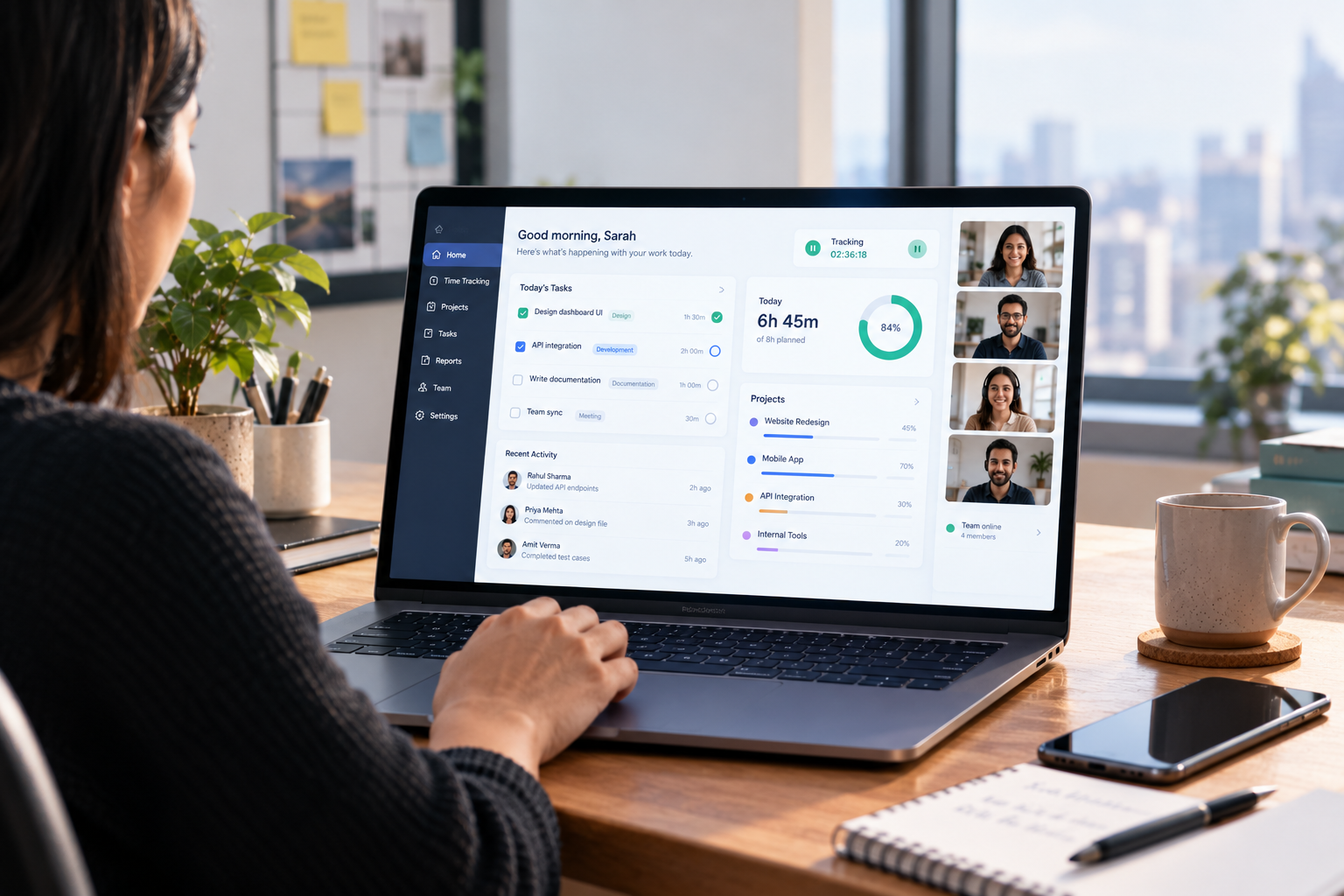
A record of the work begins with a small habit. Every stretch of effort gets logged against a project and a task, as the work happens and not from memory on Friday. Uplog, the time and project tool in the Upbooks suite, is built for exactly that. There is a one-click start and stop, a live timer, and a project and task chosen before the clock begins, with no manual entry afterwards.
Once effort is attached to tasks, a question like "where is the website redesign?" has a plain answer. This many hours have gone in. These tasks are done. Two are waiting in review.
Show it instead of describing it
Words are a slow way to prove that something is finished. A message saying the invoice page is fixed invites three questions, and each question is a delay when the team is spread across cities and time zones.
Uplog lets anyone capture a screen or record a tab, window or full screen, then mark it up with pen, highlights, boxes, arrows and text. The clip can be trimmed, and screenshots and videos attach straight to the task. A thirty-second recording of a finished screen, or of a bug with an arrow pointing at the exact click that causes it, usually settles what a long message would only start.
It helps with handovers too. The person picking up a task sees what was done and where, instead of rebuilding it from a chat history.
Let the numbers raise the flag early
Projects seldom fail on the deadline. They slip a day here and a day there, and the slip only becomes visible once it is too big to absorb. Hours set against a project's budget show it sooner.
Uplog's reports include Summary, Weekly, Charts, Utilization and Team velocity views, plus detailed session data that exports to CSV. Project budgets and dates sit in the admin panel beside the tasks they belong to. A project manager can look at a week of effort and see whether it is running ahead of progress, while there is still time to do something about it.
One board everyone can read
Tasks live on a board with the stages most teams already use: To Do, In Progress, Review and Done. Each card carries an assignee, a priority and a due date. Anyone who prefers a list can switch to one. Either way, the state of the project stops depending on whoever last posted a message.
This matters more in a remote team than anywhere else, because nobody can glance across the room. The board is the room.
What happens to the meeting
Some meetings will still happen, and they should. What changes is what they are for. A call that opens with the board already read can go straight to the two tasks stuck in review. The time that used to go to "where are we" goes to "what do we do about it."
A test to run this week
Pick one live project and ask a simple question. Could someone outside the team tell where it stands today without messaging anyone? If the answer is no, the team is spending part of every week making up for a record that does not exist.